🗊 Презентация Cascading Style Sheets CSS

Категория: Образование
Нажмите для полного просмотра!
Cascading Style Sheets CSS, слайд №1 Cascading Style Sheets CSS, слайд №2 Cascading Style Sheets CSS, слайд №3 Cascading Style Sheets CSS, слайд №4 Cascading Style Sheets CSS, слайд №5 Cascading Style Sheets CSS, слайд №6 Cascading Style Sheets CSS, слайд №7 Cascading Style Sheets CSS, слайд №8 Cascading Style Sheets CSS, слайд №9 Cascading Style Sheets CSS, слайд №10 Cascading Style Sheets CSS, слайд №11 Cascading Style Sheets CSS, слайд №12 Cascading Style Sheets CSS, слайд №13 Cascading Style Sheets CSS, слайд №14 Cascading Style Sheets CSS, слайд №15 Cascading Style Sheets CSS, слайд №16 Cascading Style Sheets CSS, слайд №17 Cascading Style Sheets CSS, слайд №18

Вы можете ознакомиться и скачать презентацию на тему Cascading Style Sheets CSS. Доклад-сообщение содержит 18 слайдов. Презентации для любого класса можно скачать бесплатно. Если материал и наш сайт презентаций Mypresentation Вам понравились – поделитесь им с друзьями с помощью социальных кнопок и добавьте в закладки в своем браузере.

Слайды и текст этой презентации


Слайд 1


Computation and Problem Solving Cascading Style Sheets (CSS) Korzhumbayev Azamat
Описание слайда:

Computation and Problem Solving Cascading Style Sheets (CSS) Korzhumbayev Azamat

Слайд 2


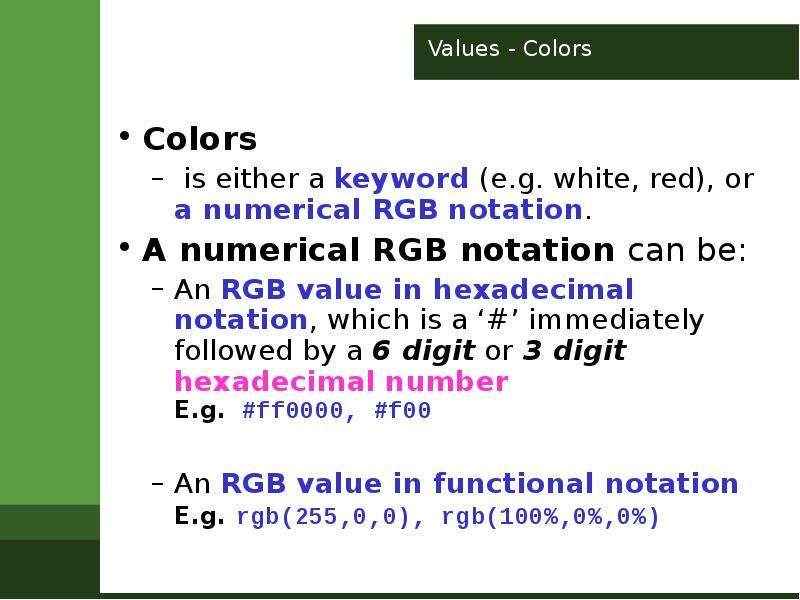
Values - Colors Colors is either a keyword (e.g. white, red), or a numerical RGB notation. A numerical RGB notation can be: An RGB value in...
Описание слайда:

Values - Colors Colors is either a keyword (e.g. white, red), or a numerical RGB notation. A numerical RGB notation can be: An RGB value in hexadecimal notation, which is a ‘#’ immediately followed by a 6 digit or 3 digit hexadecimal number E.g. #ff0000, #f00 An RGB value in functional notation E.g. rgb(255,0,0), rgb(100%,0%,0%)

Слайд 3


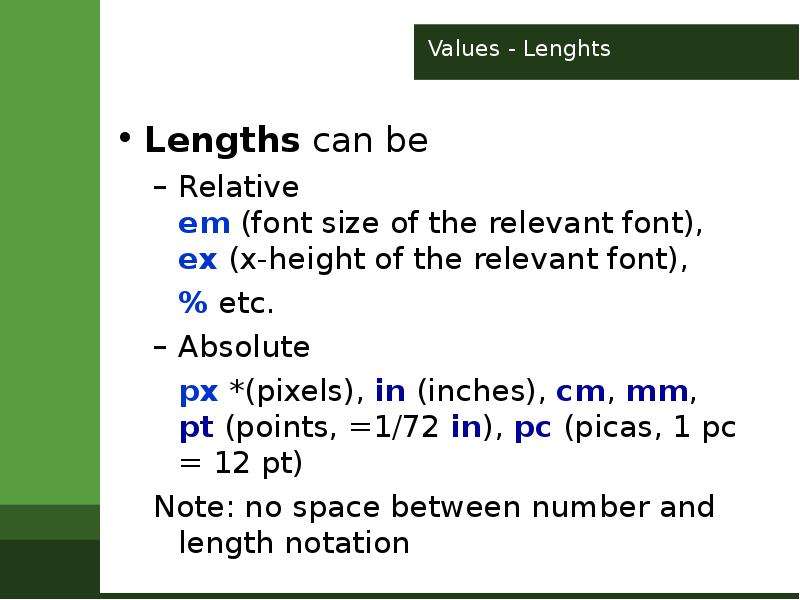
Values - Lenghts Lengths can be Relative em (font size of the relevant font), ex (x-height of the relevant font), % etc. Absolute px *(pixels), in...
Описание слайда:

Values - Lenghts Lengths can be Relative em (font size of the relevant font), ex (x-height of the relevant font), % etc. Absolute px *(pixels), in (inches), cm, mm, pt (points, =1/72 in), pc (picas, 1 pc = 12 pt) Note: no space between number and length notation

Слайд 4


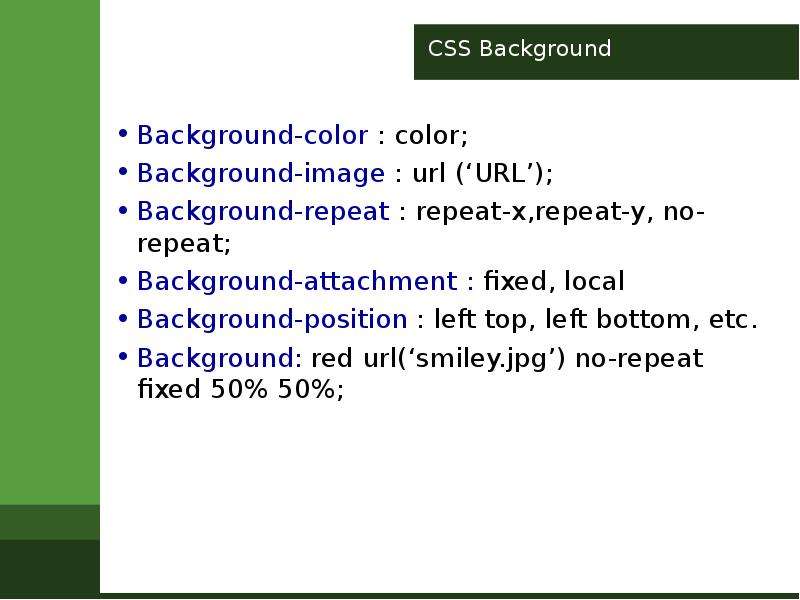
CSS Background Background-color : color; Background-image : url (‘URL’); Background-repeat : repeat-x,repeat-y, no-repeat; Background-attachment :...
Описание слайда:

CSS Background Background-color : color; Background-image : url (‘URL’); Background-repeat : repeat-x,repeat-y, no-repeat; Background-attachment : fixed, local Background-position : left top, left bottom, etc. Background: red url(‘smiley.jpg’) no-repeat fixed 50% 50%;

Слайд 5


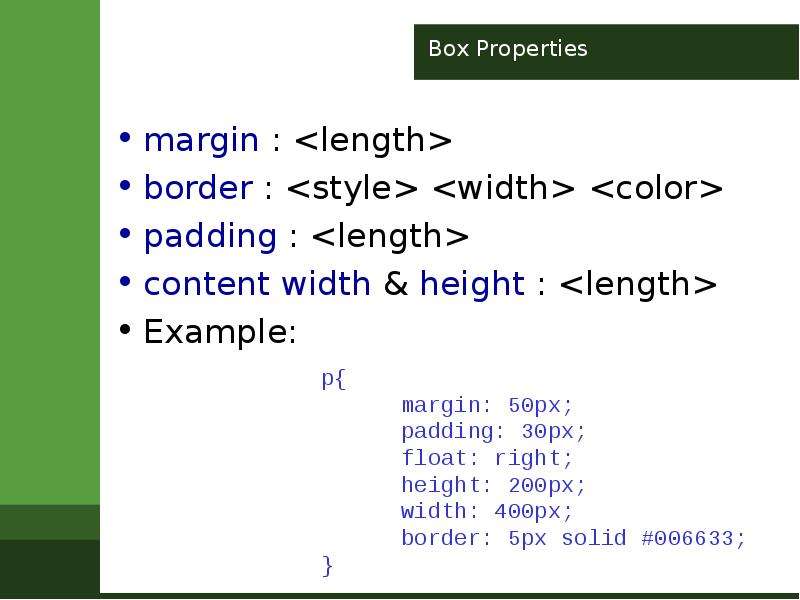
Box Properties margin : border : padding : content width & height : Example:
Описание слайда:
Box Properties margin : border : padding : content width & height : Example:

Слайд 6


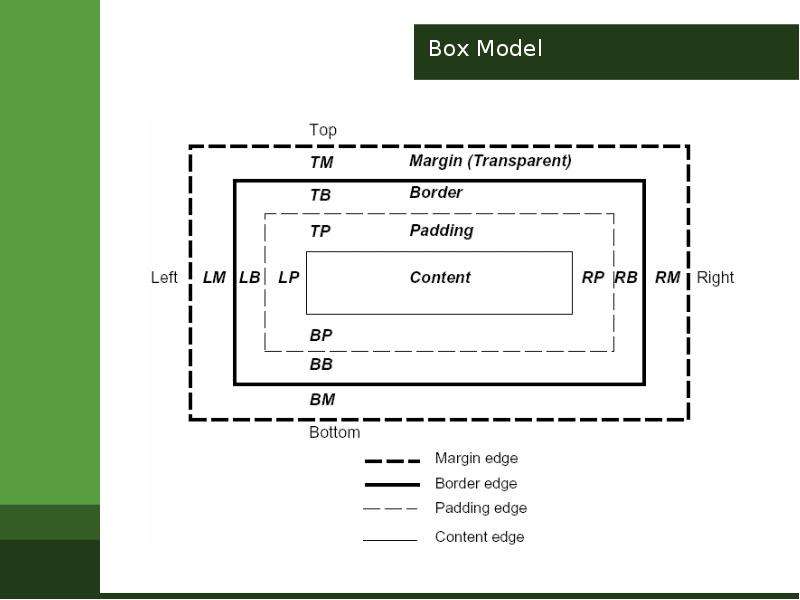
Box Model
Описание слайда:
Box Model

Слайд 7


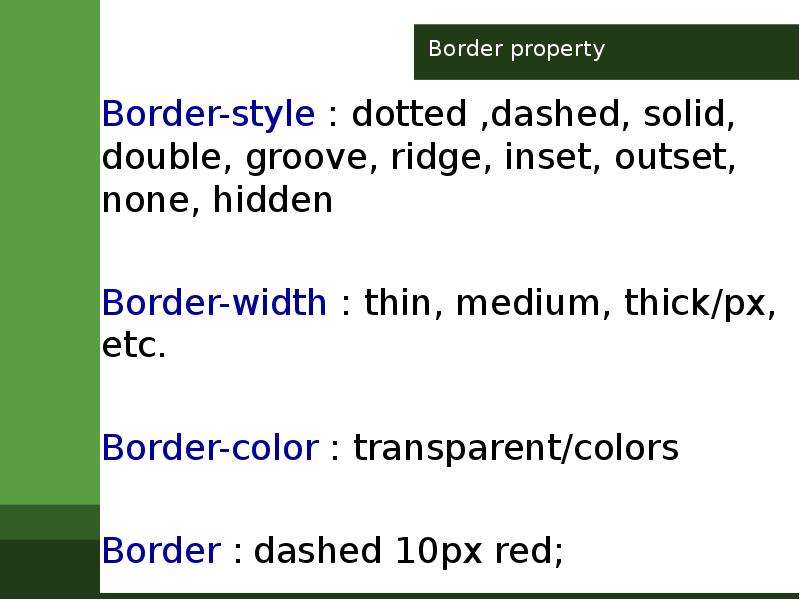
Border property
Описание слайда:
Border property

Слайд 8


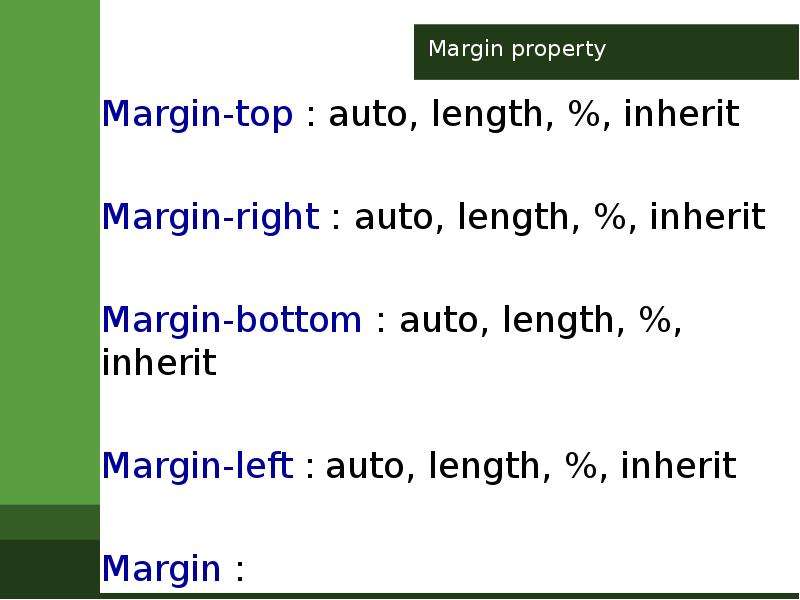
Margin property
Описание слайда:
Margin property

Слайд 9


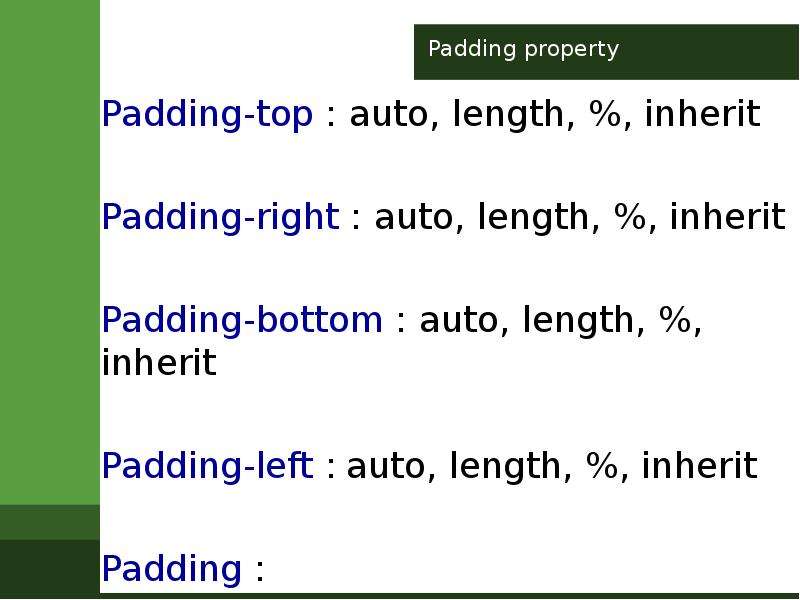
Padding property
Описание слайда:
Padding property

Слайд 10


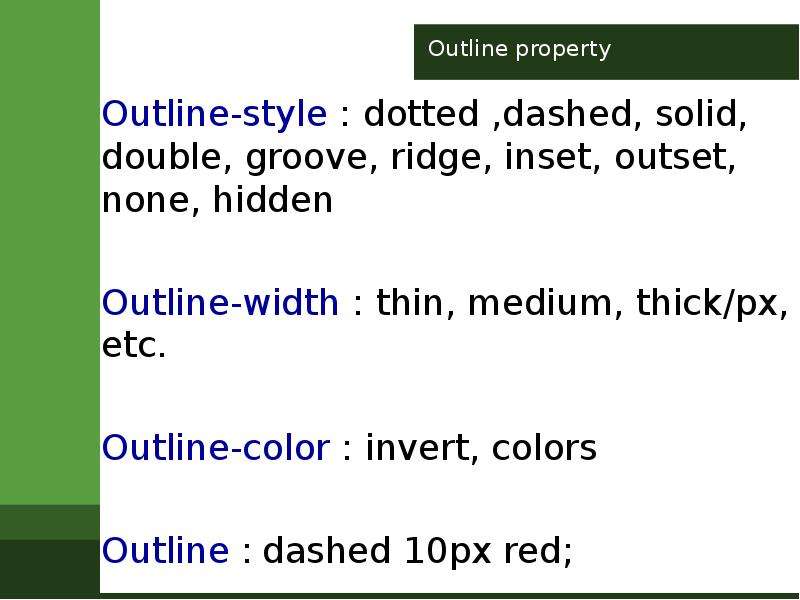
Outline property
Описание слайда:
Outline property

Слайд 11


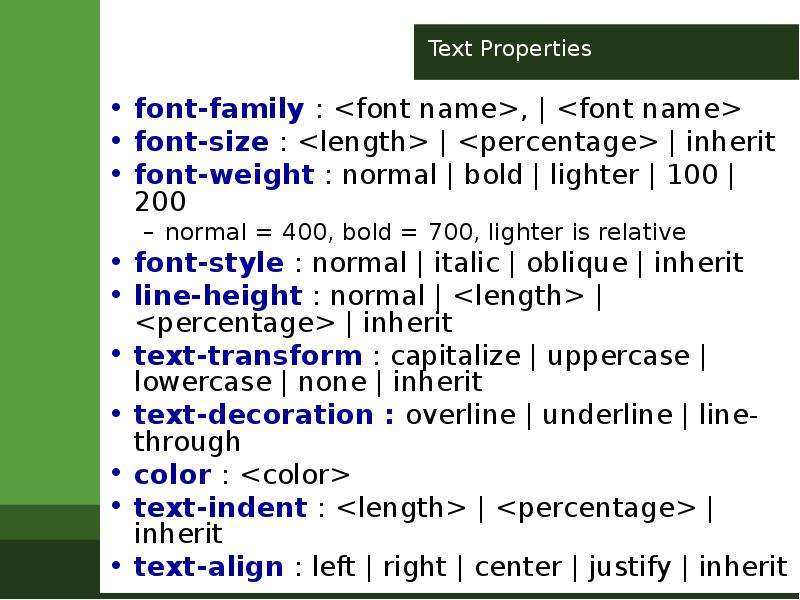
Text Properties font-family : , | font-size : | | inherit font-weight : normal | bold | lighter | 100 | 200 normal = 400, bold = 700, lighter is...
Описание слайда:
Text Properties font-family : , | font-size : | | inherit font-weight : normal | bold | lighter | 100 | 200 normal = 400, bold = 700, lighter is relative font-style : normal | italic | oblique | inherit line-height : normal | | | inherit text-transform : capitalize | uppercase | lowercase | none | inherit text-decoration : overline | underline | line-through color : text-indent : | | inherit text-align : left | right | center | justify | inherit

Слайд 12


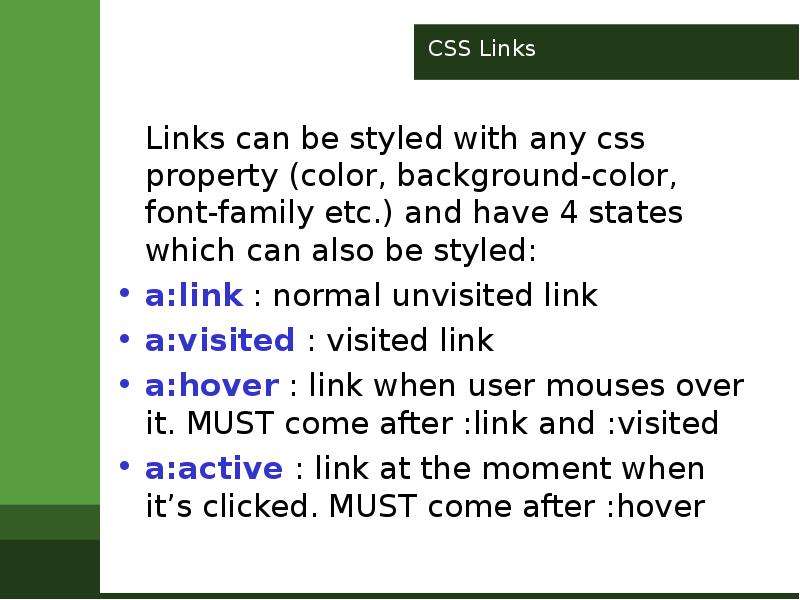
CSS Links Links can be styled with any css property (color, background-color, font-family etc.) and have 4 states which can also be styled: a:link :...
Описание слайда:
CSS Links Links can be styled with any css property (color, background-color, font-family etc.) and have 4 states which can also be styled: a:link : normal unvisited link a:visited : visited link a:hover : link when user mouses over it. MUST come after :link and :visited a:active : link at the moment when it’s clicked. MUST come after :hover

Слайд 13


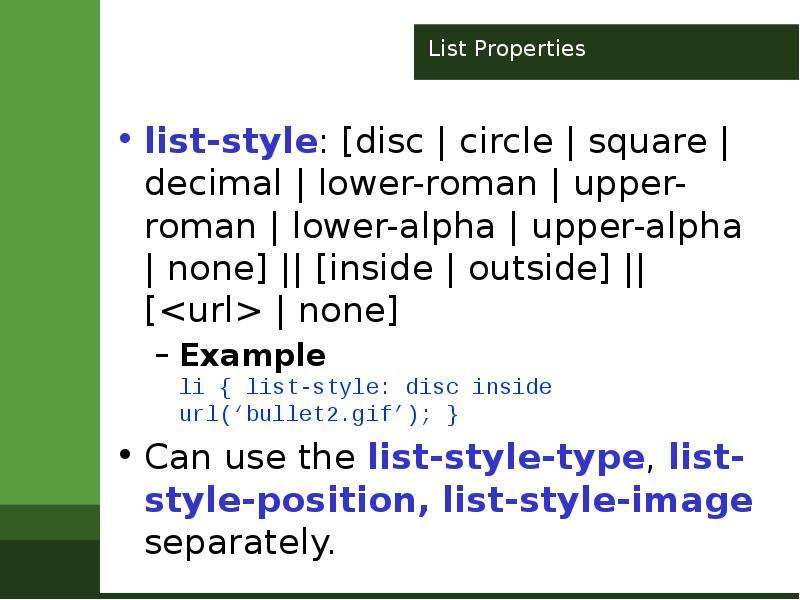
List Properties list-style: [disc | circle | square | decimal | lower-roman | upper-roman | lower-alpha | upper-alpha | none] || [inside | outside]...
Описание слайда:
List Properties list-style: [disc | circle | square | decimal | lower-roman | upper-roman | lower-alpha | upper-alpha | none] || [inside | outside] || [ | none] Example li { list-style: disc inside url(‘bullet2.gif’); } Can use the list-style-type, list-style-position, list-style-image separately.

Слайд 14


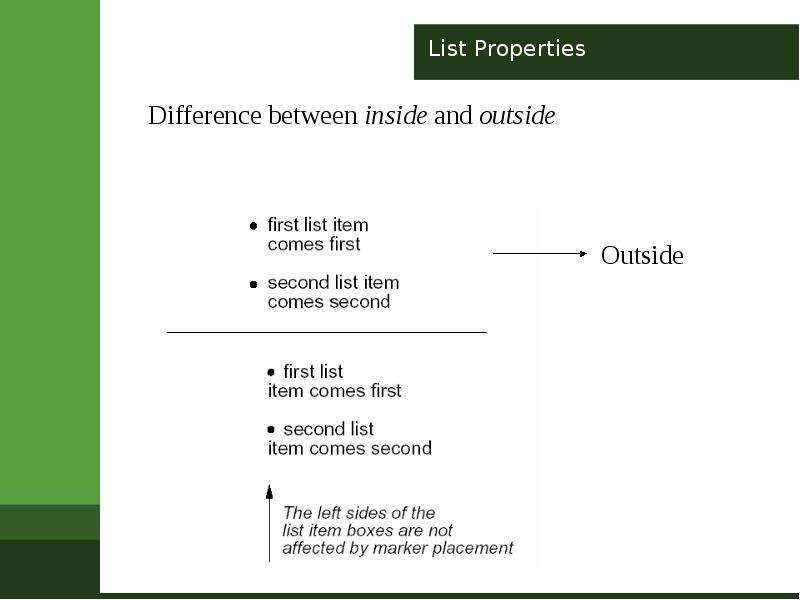
List Properties
Описание слайда:
List Properties

Слайд 15


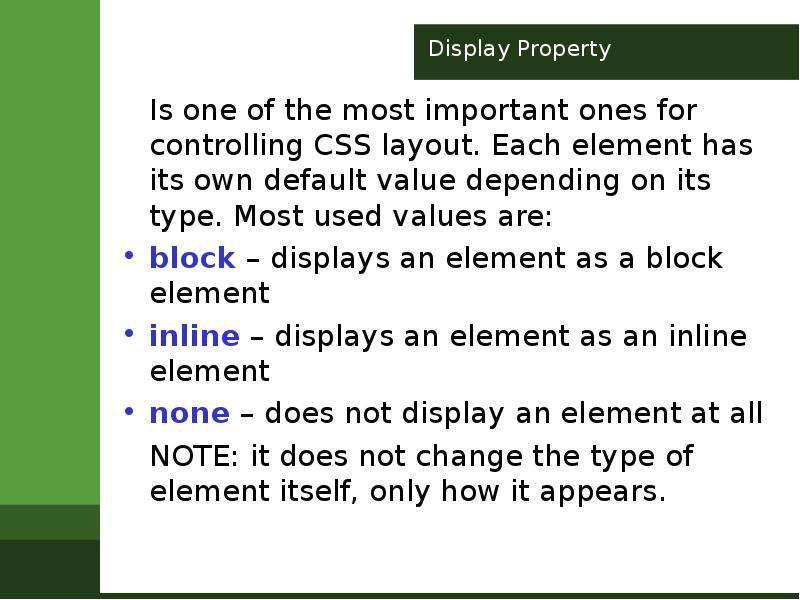
Display Property Is one of the most important ones for controlling CSS layout. Each element has its own default value depending on its type. Most...
Описание слайда:
Display Property Is one of the most important ones for controlling CSS layout. Each element has its own default value depending on its type. Most used values are: block – displays an element as a block element inline – displays an element as an inline element none – does not display an element at all NOTE: it does not change the type of element itself, only how it appears.

Слайд 16


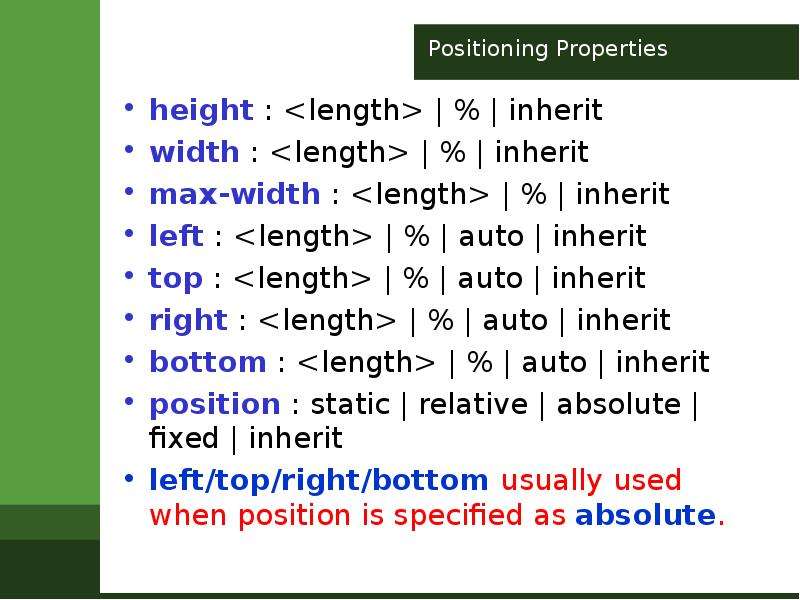
Positioning Properties height : | % | inherit width : | % | inherit max-width : | % | inherit left : | % | auto | inherit top : | % | auto | inherit...
Описание слайда:
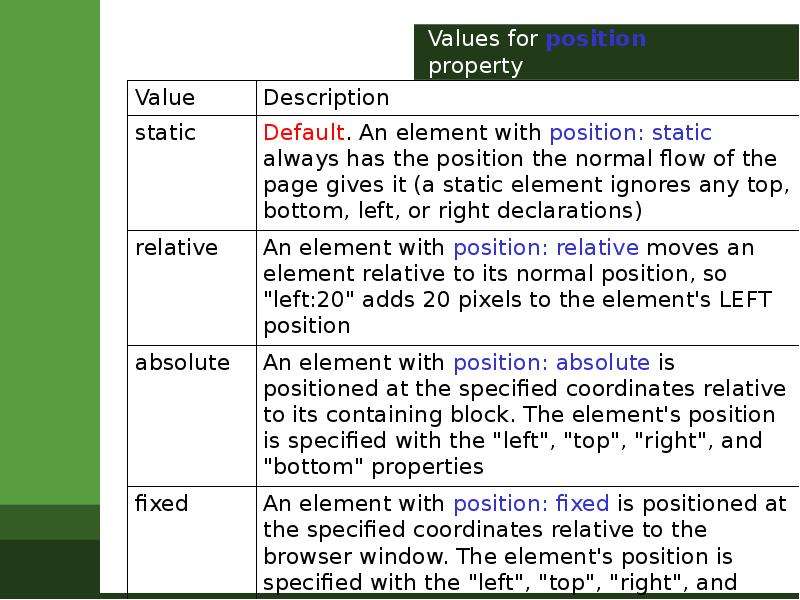
Positioning Properties height : | % | inherit width : | % | inherit max-width : | % | inherit left : | % | auto | inherit top : | % | auto | inherit right : | % | auto | inherit bottom : | % | auto | inherit position : static | relative | absolute | fixed | inherit left/top/right/bottom usually used when position is specified as absolute.

Слайд 17


Values for position property
Описание слайда:
Values for position property

Слайд 18


Z-index Property When elements are positioned they can become overlapped. Z-index property is used to specify the stack order. Example NOTE. If two...
Описание слайда:
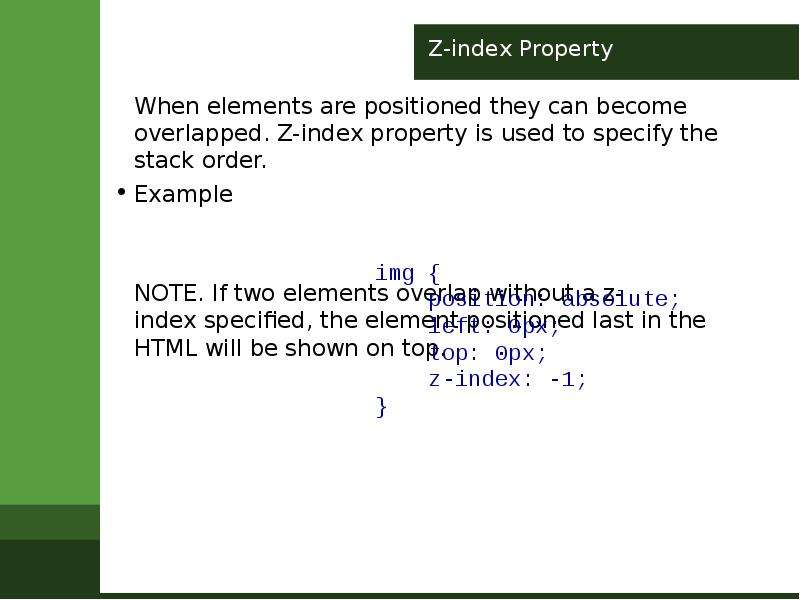
Z-index Property When elements are positioned they can become overlapped. Z-index property is used to specify the stack order. Example NOTE. If two elements overlap without a z-index specified, the element positioned last in the HTML will be shown on top.


Похожие презентации
Mypresentation.ru
Загрузить презентацию