🗊 Презентация Cascading Style Sheets CSS

Категория: Образование

Нажмите для полного просмотра!
Cascading Style Sheets CSS, слайд №1 Cascading Style Sheets CSS, слайд №2 Cascading Style Sheets CSS, слайд №3 Cascading Style Sheets CSS, слайд №4 Cascading Style Sheets CSS, слайд №5 Cascading Style Sheets CSS, слайд №6 Cascading Style Sheets CSS, слайд №7

Вы можете ознакомиться и скачать презентацию на тему Cascading Style Sheets CSS. Доклад-сообщение содержит 7 слайдов. Презентации для любого класса можно скачать бесплатно. Если материал и наш сайт презентаций Mypresentation Вам понравились – поделитесь им с друзьями с помощью социальных кнопок и добавьте в закладки в своем браузере.

Слайды и текст этой презентации


Слайд 1


Computation and Problem Solving Cascading Style Sheets (CSS) Korzhumbayev Azamat
Описание слайда:

Computation and Problem Solving Cascading Style Sheets (CSS) Korzhumbayev Azamat

Слайд 2


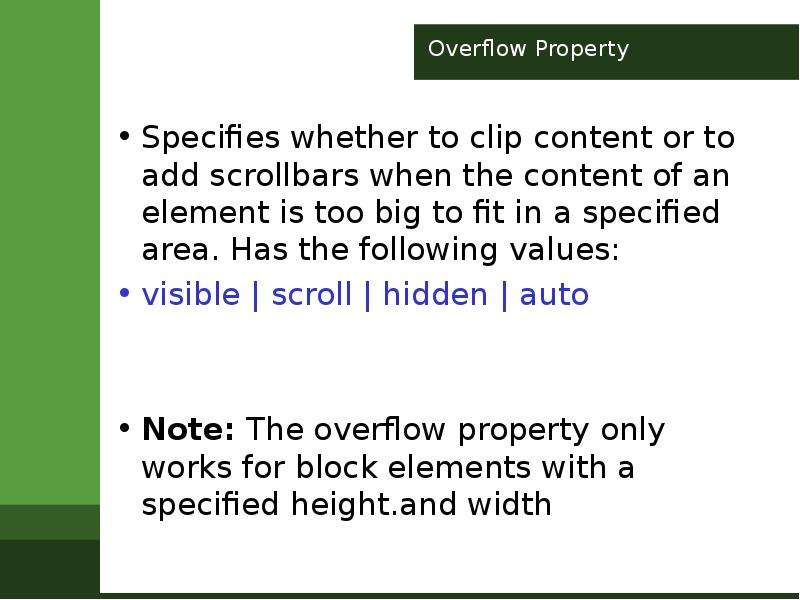
Overflow Property Specifies whether to clip content or to add scrollbars when the content of an element is too big to fit in a specified area. Has...
Описание слайда:

Overflow Property Specifies whether to clip content or to add scrollbars when the content of an element is too big to fit in a specified area. Has the following values: visible | scroll | hidden | auto Note: The overflow property only works for block elements with a specified height.and width

Слайд 3


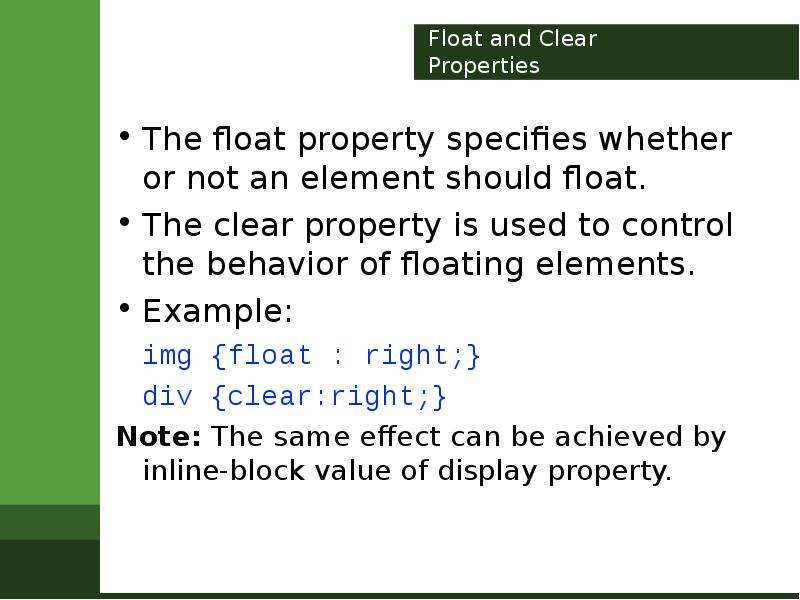
Float and Clear Properties The float property specifies whether or not an element should float. The clear property is used to control the behavior of...
Описание слайда:
Float and Clear Properties The float property specifies whether or not an element should float. The clear property is used to control the behavior of floating elements. Example: img {float : right;} div {clear:right;} Note: The same effect can be achieved by inline-block value of display property.

Слайд 4


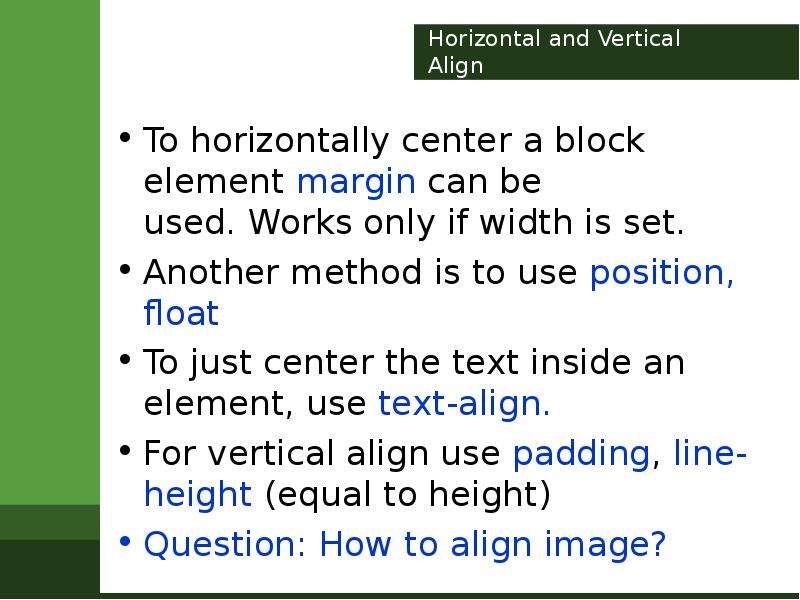
Horizontal and Vertical Align To horizontally center a block element margin can be used. Works only if width is set. Another method is to use...
Описание слайда:
Horizontal and Vertical Align To horizontally center a block element margin can be used. Works only if width is set. Another method is to use position, float To just center the text inside an element, use text-align. For vertical align use padding, line-height (equal to height) Question: How to align image?

Слайд 5


Pseudo Classes Used to define a special state of an element: :first-child; :last-child; :Nth-child(n) selects the element that is the nth child...
Описание слайда:
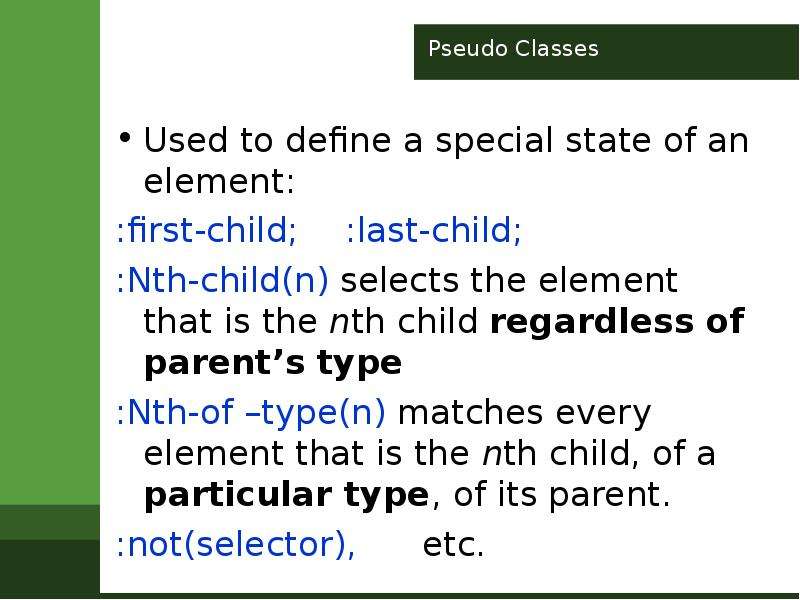
Pseudo Classes Used to define a special state of an element: :first-child; :last-child; :Nth-child(n) selects the element that is the nth child regardless of parent’s type :Nth-of –type(n) matches every element that is the nth child, of a particular type, of its parent. :not(selector), etc.

Слайд 6


Pseudo Elements Used to style specified parts of an element: ::after ::before ::first-line ::first-letter ::selection - (color, background, cursor,...
Описание слайда:
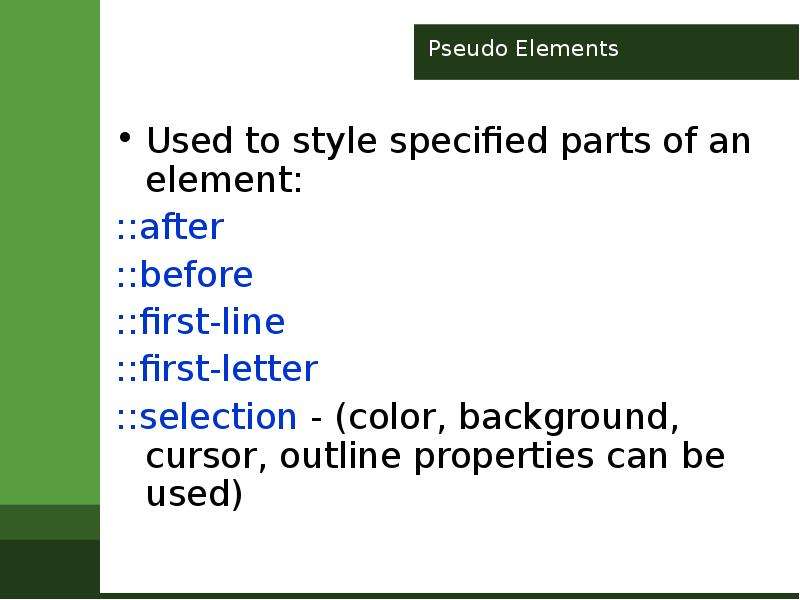
Pseudo Elements Used to style specified parts of an element: ::after ::before ::first-line ::first-letter ::selection - (color, background, cursor, outline properties can be used)

Слайд 7


Opacity Property Specifies the transparency of an element. IE8 and earlier use filter:alpha(opacity=x), 0
Описание слайда:
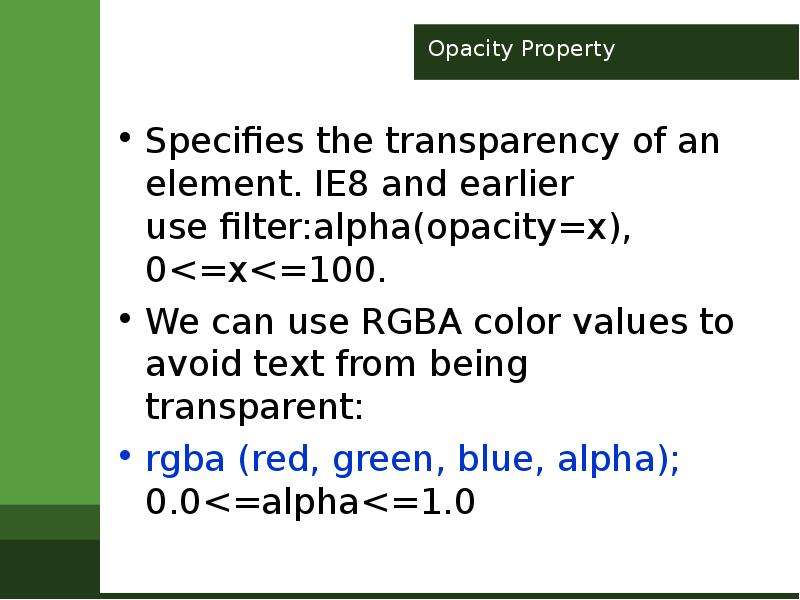
Opacity Property Specifies the transparency of an element. IE8 and earlier use filter:alpha(opacity=x), 0


Похожие презентации
Mypresentation.ru
Загрузить презентацию