🗊 Презентация corel Draw» По Английскому Языку

Категория: Образование
Нажмите для полного просмотра!
corel Draw» По Английскому Языку, слайд №1 corel Draw» По Английскому Языку, слайд №2 corel Draw» По Английскому Языку, слайд №3 corel Draw» По Английскому Языку, слайд №4 corel Draw» По Английскому Языку, слайд №5 corel Draw» По Английскому Языку, слайд №6 corel Draw» По Английскому Языку, слайд №7 corel Draw» По Английскому Языку, слайд №8 corel Draw» По Английскому Языку, слайд №9 corel Draw» По Английскому Языку, слайд №10 corel Draw» По Английскому Языку, слайд №11 corel Draw» По Английскому Языку, слайд №12

Вы можете ознакомиться и скачать презентацию на тему corel Draw» По Английскому Языку. Доклад-сообщение содержит 12 слайдов. Презентации для любого класса можно скачать бесплатно. Если материал и наш сайт презентаций Mypresentation Вам понравились – поделитесь им с друзьями с помощью социальных кнопок и добавьте в закладки в своем браузере.

Слайды и текст этой презентации


Слайд 1


Сивова Дарья МГУП, 2009
Описание слайда:

Сивова Дарья МГУП, 2009

Слайд 2


CorelDRAW is a vector graphics editor developed and marketed by Corel Corporation of Ottawa, Canada. It is also the name of Corel's Graphics Suite....
Описание слайда:

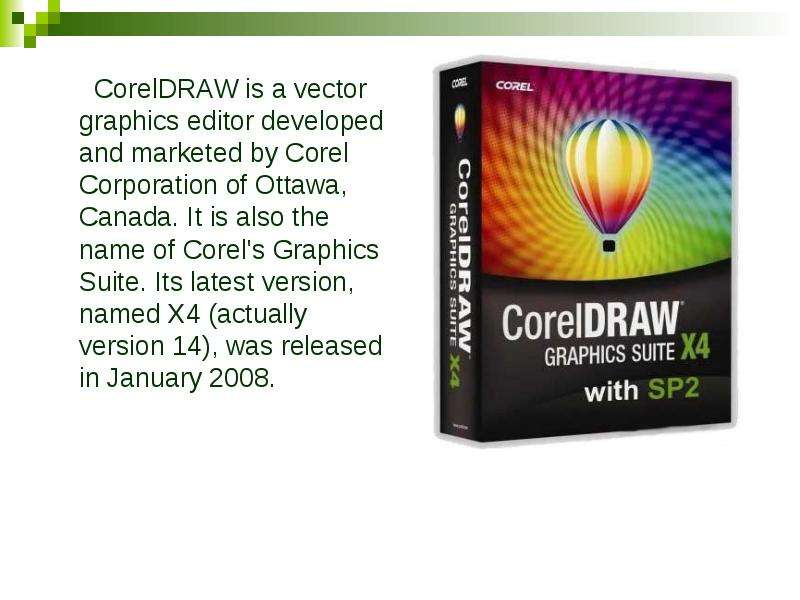
CorelDRAW is a vector graphics editor developed and marketed by Corel Corporation of Ottawa, Canada. It is also the name of Corel's Graphics Suite. Its latest version, named X4 (actually version 14), was released in January 2008. CorelDRAW is a vector graphics editor developed and marketed by Corel Corporation of Ottawa, Canada. It is also the name of Corel's Graphics Suite. Its latest version, named X4 (actually version 14), was released in January 2008.

Слайд 3


History In 1987, Corel hired software engineers Michel Bouillon and Pat Beirne to develop a vector-based illustration program to bundle with these...
Описание слайда:

History In 1987, Corel hired software engineers Michel Bouillon and Pat Beirne to develop a vector-based illustration program to bundle with these desktop publishing systems. That program, CorelDRAW, was initially released in 1989.

Слайд 4


The inclusion of TrueType in Windows 3.1 transformed CorelDRAW into a serious illustration program capable of using system-installed outline fonts...
Описание слайда:

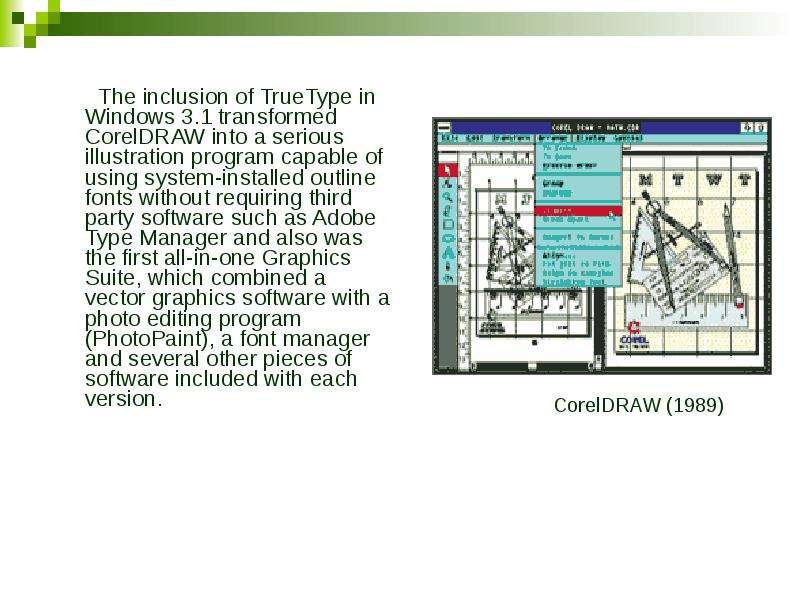
The inclusion of TrueType in Windows 3.1 transformed CorelDRAW into a serious illustration program capable of using system-installed outline fonts without requiring third party software such as Adobe Type Manager and also was the first all-in-one Graphics Suite, which combined a vector graphics software with a photo editing program (PhotoPaint), a font manager and several other pieces of software included with each version. The inclusion of TrueType in Windows 3.1 transformed CorelDRAW into a serious illustration program capable of using system-installed outline fonts without requiring third party software such as Adobe Type Manager and also was the first all-in-one Graphics Suite, which combined a vector graphics software with a photo editing program (PhotoPaint), a font manager and several other pieces of software included with each version.

Слайд 5


Supported platforms CorelDRAW was originally developed for Microsoft Windows and currently runs on Windows XP and Windows Vista. The current version,...
Описание слайда:
Supported platforms CorelDRAW was originally developed for Microsoft Windows and currently runs on Windows XP and Windows Vista. The current version, X4, was released (ver. 14.0.0.567) on 22 January, 2008.

Слайд 6


Characteristic features
Описание слайда:
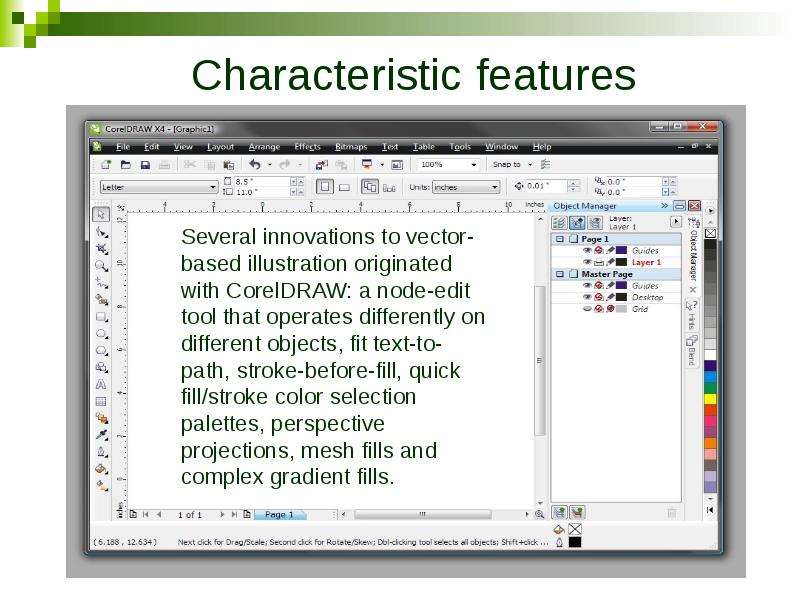
Characteristic features

Слайд 7


CorelDRAW differentiates itself from its competitors in a number of ways: The first is its positioning as a graphics suite, rather than just a vector...
Описание слайда:
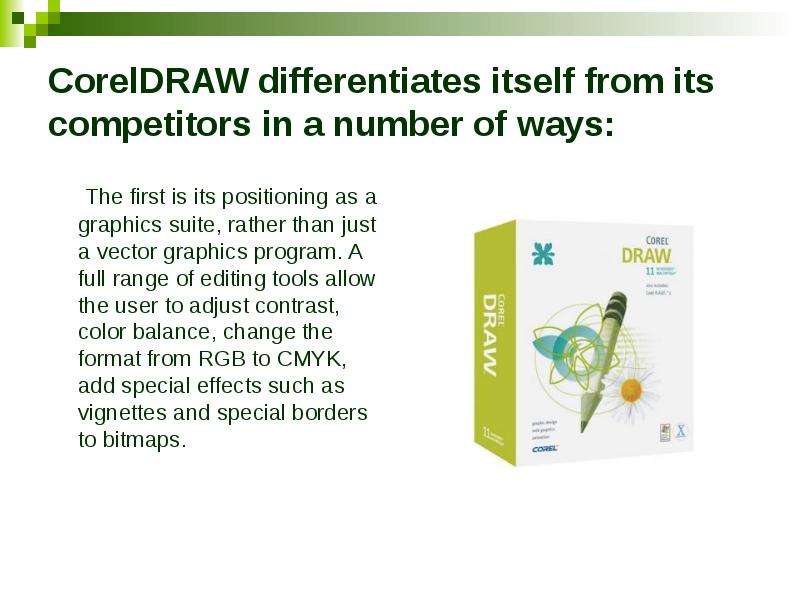
CorelDRAW differentiates itself from its competitors in a number of ways: The first is its positioning as a graphics suite, rather than just a vector graphics program. A full range of editing tools allow the user to adjust contrast, color balance, change the format from RGB to CMYK, add special effects such as vignettes and special borders to bitmaps.

Слайд 8


CorelDRAW's capability to handle multiple pages along with multiple master layers from within the main program provides a major benefit compared to...
Описание слайда:
CorelDRAW's capability to handle multiple pages along with multiple master layers from within the main program provides a major benefit compared to Adobe Illustrator. Multipage documents are easy to create and edit and the Corel print engine allows for booklet and other imposition so even simple printers can be used for producing finished documents. CorelDRAW's capability to handle multiple pages along with multiple master layers from within the main program provides a major benefit compared to Adobe Illustrator. Multipage documents are easy to create and edit and the Corel print engine allows for booklet and other imposition so even simple printers can be used for producing finished documents.

Слайд 9


One of the useful features for single and multi-page documents is the ability to create linked text boxes across documents that can be resized and...
Описание слайда:
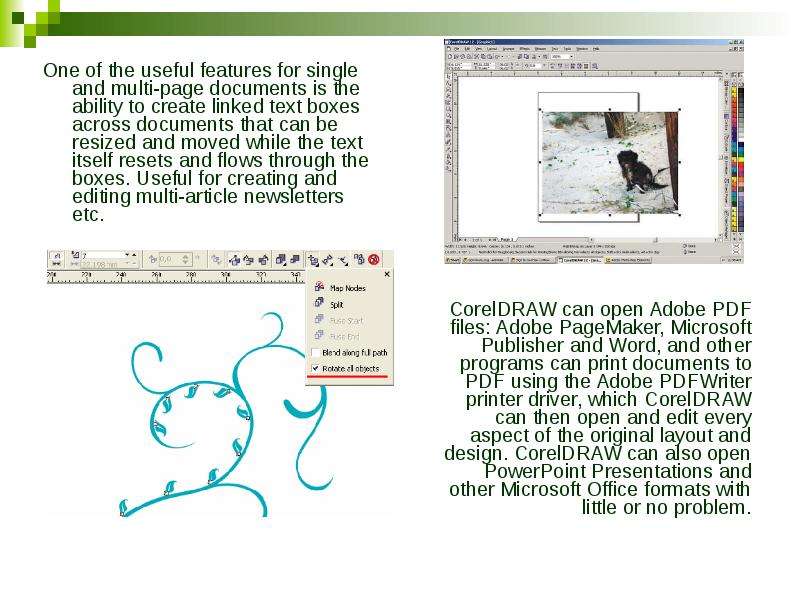
One of the useful features for single and multi-page documents is the ability to create linked text boxes across documents that can be resized and moved while the text itself resets and flows through the boxes. Useful for creating and editing multi-article newsletters etc. One of the useful features for single and multi-page documents is the ability to create linked text boxes across documents that can be resized and moved while the text itself resets and flows through the boxes. Useful for creating and editing multi-article newsletters etc.

Слайд 10


Over time, additional components were developed or acquired and bundled with CorelDRAW. The list of bundled packages usually changes somewhat from...
Описание слайда:
Over time, additional components were developed or acquired and bundled with CorelDRAW. The list of bundled packages usually changes somewhat from one release to the next. Over time, additional components were developed or acquired and bundled with CorelDRAW. The list of bundled packages usually changes somewhat from one release to the next. There are several mainstays that have remained in the package for many releases now, however: PowerTRACE (a bitmap to vector graphic converter), PHOTO-PAINT (a bitmap graphic editor), and CAPTURE (a screen capture utility).

Слайд 11


Some facts: The software mascot was originally a moustached man with a hat called Waldo. "Waldo" was the code name for the first version....
Описание слайда:
Some facts: The software mascot was originally a moustached man with a hat called Waldo. "Waldo" was the code name for the first version. The first versions of CorelDRAW included its own proprietary fonts, which had the extension .wfn (Waldo fonts). CorelDRAW can actually be used to create TrueType fonts since at least version 4, although the creating of kerning pairs still cannot be adjusted inside the program. Later CorelDRAW versions can export also PostScript and OpenType fonts. In 1998, a vector illustration of Hedy Lamarr's face was used by Corel Corporation on the packaging and in the publicity for its CorelDRAW 8 software. Lamarr sued Corel for damages relating to unauthorized use of her likeness. The case was resolved in 1999 and settled out of court for an undisclosed sum, under terms that allowed Corel five years of exclusive rights to the image. South Park characters, scenery, and props are drawn using CorelDRAW.

Слайд 12


Thank you for your attention!!!
Описание слайда:
Thank you for your attention!!!


Похожие презентации
Mypresentation.ru
Загрузить презентацию