🗊 Презентация Administration. Data administration functions

Категория: Информатика
Нажмите для полного просмотра!
Administration. Data administration functions, слайд №1 Administration. Data administration functions, слайд №2 Administration. Data administration functions, слайд №3 Administration. Data administration functions, слайд №4 Administration. Data administration functions, слайд №5 Administration. Data administration functions, слайд №6 Administration. Data administration functions, слайд №7 Administration. Data administration functions, слайд №8 Administration. Data administration functions, слайд №9 Administration. Data administration functions, слайд №10 Administration. Data administration functions, слайд №11 Administration. Data administration functions, слайд №12 Administration. Data administration functions, слайд №13 Administration. Data administration functions, слайд №14 Administration. Data administration functions, слайд №15 Administration. Data administration functions, слайд №16 Administration. Data administration functions, слайд №17 Administration. Data administration functions, слайд №18 Administration. Data administration functions, слайд №19 Administration. Data administration functions, слайд №20 Administration. Data administration functions, слайд №21 Administration. Data administration functions, слайд №22 Administration. Data administration functions, слайд №23 Administration. Data administration functions, слайд №24 Administration. Data administration functions, слайд №25 Administration. Data administration functions, слайд №26 Administration. Data administration functions, слайд №27 Administration. Data administration functions, слайд №28 Administration. Data administration functions, слайд №29

Вы можете ознакомиться и скачать презентацию на тему Administration. Data administration functions. Доклад-сообщение содержит 29 слайдов. Презентации для любого класса можно скачать бесплатно. Если материал и наш сайт презентаций Mypresentation Вам понравились – поделитесь им с друзьями с помощью социальных кнопок и добавьте в закладки в своем браузере.

Слайды и текст этой презентации


Слайд 1


Data administration functions Data warehouse administration Views and integrity controls Authorization rules Authorisation tables Authentication...
Описание слайда:
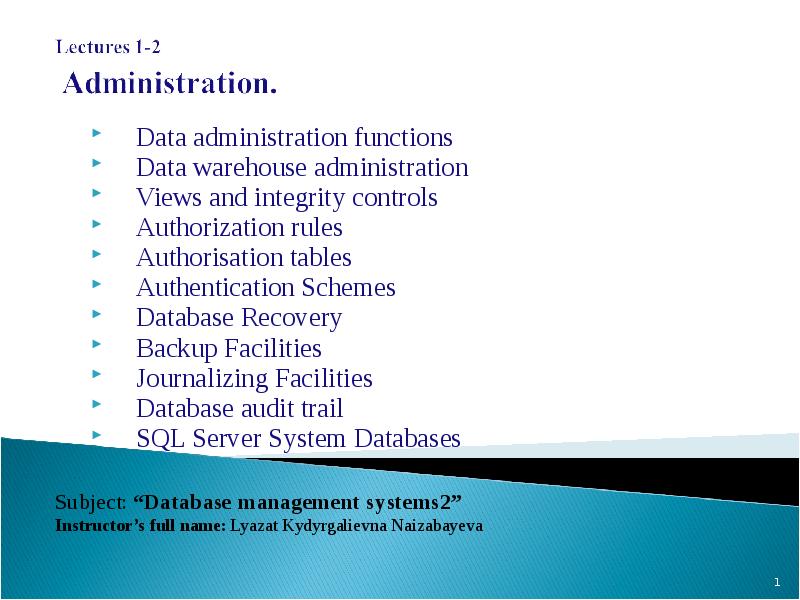
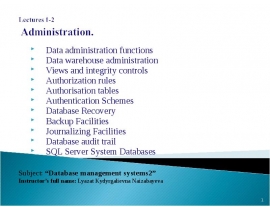
Data administration functions Data warehouse administration Views and integrity controls Authorization rules Authorisation tables Authentication Schemes Database Recovery Backup Facilities Journalizing Facilities Database audit trail SQL Server System Databases

Слайд 2


Data policies, procedures, standards Planning Data conflict (ownership) resolution Internal marketing of DA concepts Managing the data repository...
Описание слайда:
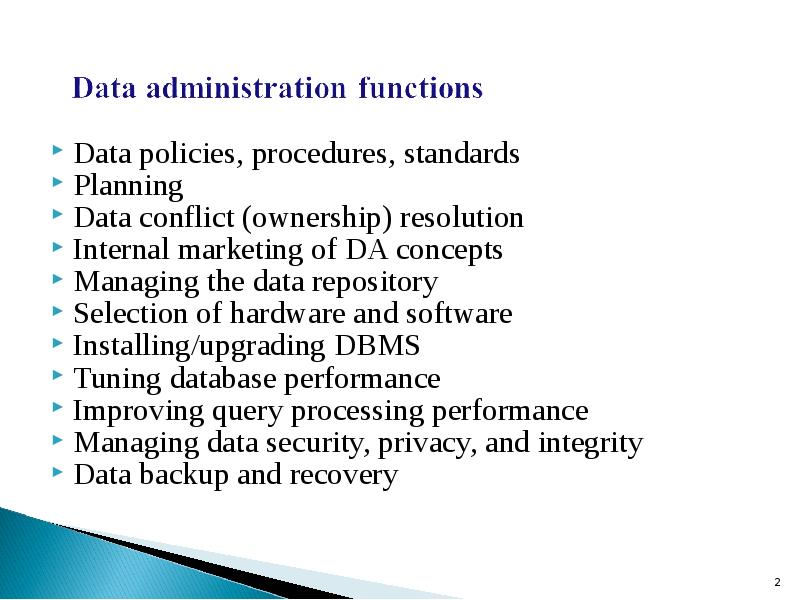
Data policies, procedures, standards Planning Data conflict (ownership) resolution Internal marketing of DA concepts Managing the data repository Selection of hardware and software Installing/upgrading DBMS Tuning database performance Improving query processing performance Managing data security, privacy, and integrity Data backup and recovery

Слайд 3


New role, coming with the growth in data warehouses New role, coming with the growth in data warehouses Similar to DA/DBA roles Emphasis on...
Описание слайда:
New role, coming with the growth in data warehouses New role, coming with the growth in data warehouses Similar to DA/DBA roles Emphasis on integration and coordination of metadata/data across many data sources Specific roles: Support decision –support applications Manage data warehouse growth Establish service level agreements regarding data warehouses and data marts

Слайд 4


Protection of the data against accidental or intentional loss, destruction, or misuse Protection of the data against accidental or intentional loss,...
Описание слайда:
Protection of the data against accidental or intentional loss, destruction, or misuse Protection of the data against accidental or intentional loss, destruction, or misuse Increased difficulty due to Internet access and client/server technologies

Слайд 5


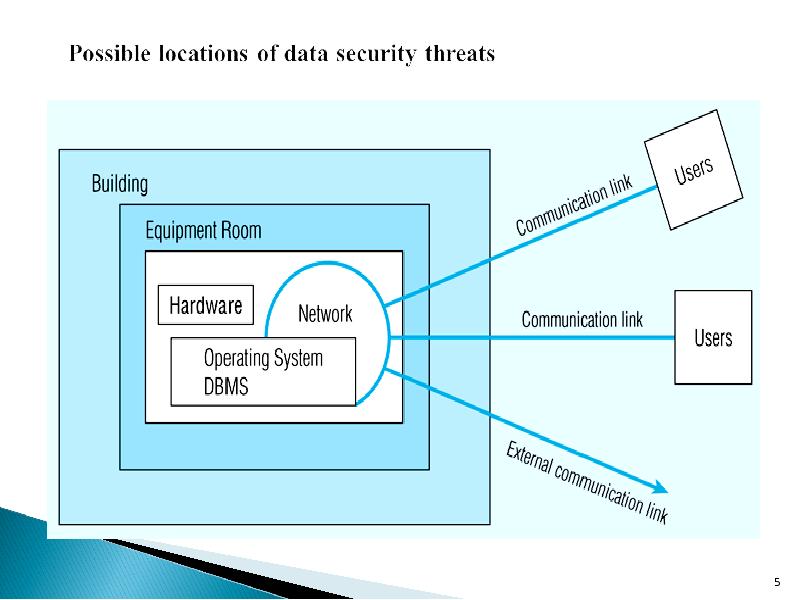
Administration. Data administration functions, слайд №5
Описание слайда:

Слайд 6


Accidental losses - attributable to Human error, software or hardware failure – tackle using procedures on user authorization, uniform software...
Описание слайда:
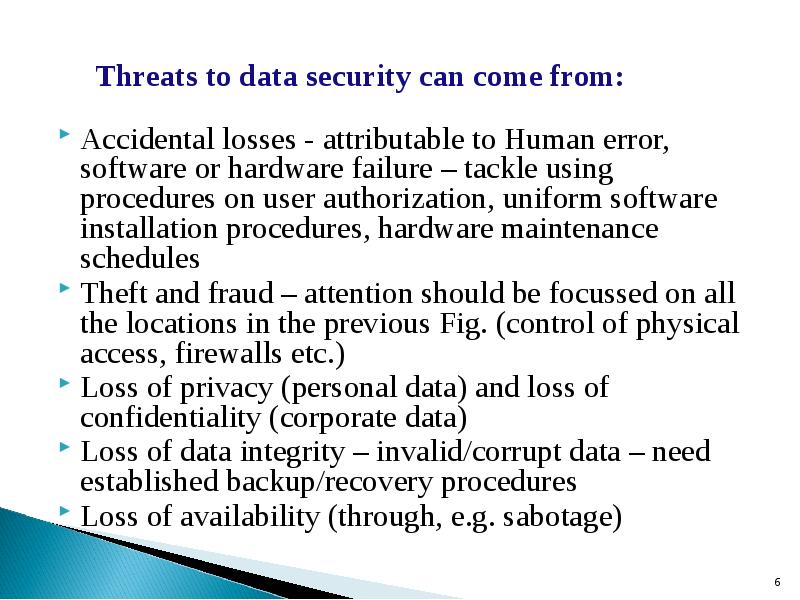
Accidental losses - attributable to Human error, software or hardware failure – tackle using procedures on user authorization, uniform software installation procedures, hardware maintenance schedules Accidental losses - attributable to Human error, software or hardware failure – tackle using procedures on user authorization, uniform software installation procedures, hardware maintenance schedules Theft and fraud – attention should be focussed on all the locations in the previous Fig. (control of physical access, firewalls etc.) Loss of privacy (personal data) and loss of confidentiality (corporate data) Loss of data integrity – invalid/corrupt data – need established backup/recovery procedures Loss of availability (through, e.g. sabotage)

Слайд 7


Views or subschemas which restrict user views of the database (discussed previously) Views or subschemas which restrict user views of the database...
Описание слайда:
Views or subschemas which restrict user views of the database (discussed previously) Views or subschemas which restrict user views of the database (discussed previously) Integrity controls which are enforced by the DBMS during querying and updating Authorization rules identifying users and restricting actions they can take User-defined procedures defining additional constraints Encryption procedures for encoding data in an unrecognisable form Backup, journalizing, and checkpointing capabilities which facilitate recovery procedures

Слайд 8


Views - subset of the database that is presented to one or more users -user can be given access privilege to view without allowing access privilege...
Описание слайда:
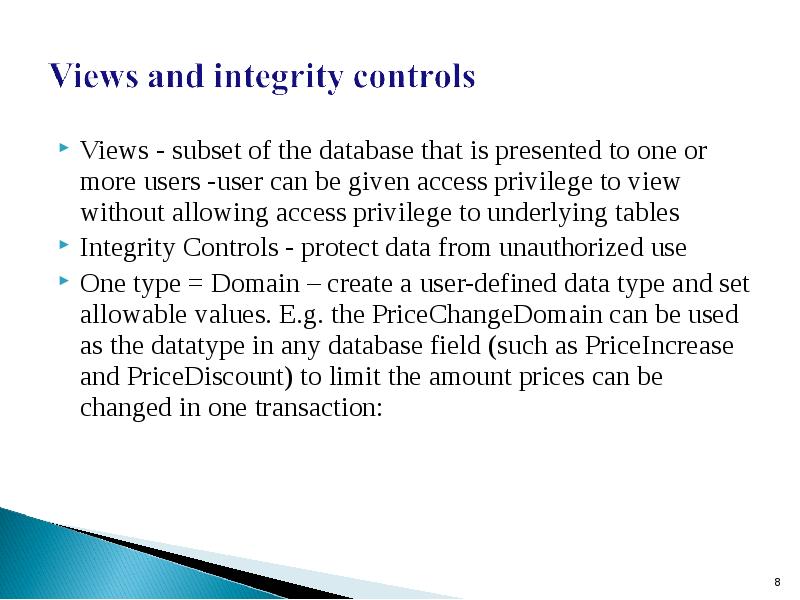
Views - subset of the database that is presented to one or more users -user can be given access privilege to view without allowing access privilege to underlying tables Views - subset of the database that is presented to one or more users -user can be given access privilege to view without allowing access privilege to underlying tables Integrity Controls - protect data from unauthorized use One type = Domain – create a user-defined data type and set allowable values. E.g. the PriceChangeDomain can be used as the datatype in any database field (such as PriceIncrease and PriceDiscount) to limit the amount prices can be changed in one transaction:

Слайд 9


CREATE DOMAIN PriceChange AS DECIMAL CREATE DOMAIN PriceChange AS DECIMAL CHECK(VALUE BETWEEN .001 and 0.15); Then, in a pricing transaction table,...
Описание слайда:
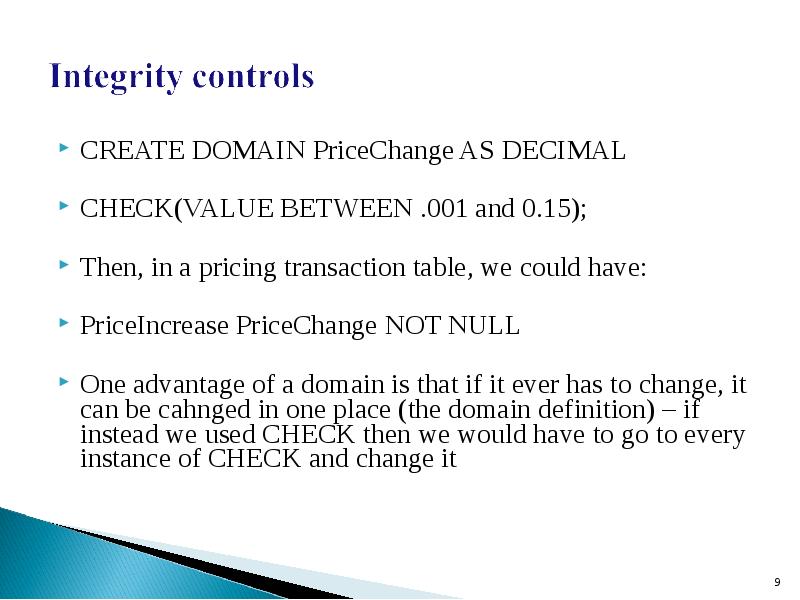
CREATE DOMAIN PriceChange AS DECIMAL CREATE DOMAIN PriceChange AS DECIMAL CHECK(VALUE BETWEEN .001 and 0.15); Then, in a pricing transaction table, we could have: PriceIncrease PriceChange NOT NULL One advantage of a domain is that if it ever has to change, it can be cahnged in one place (the domain definition) – if instead we used CHECK then we would have to go to every instance of CHECK and change it

Слайд 10


Assertions are constraints enforcing desirable database conditions – they are checked automatically by the DBMS when transactions are run involving...
Описание слайда:
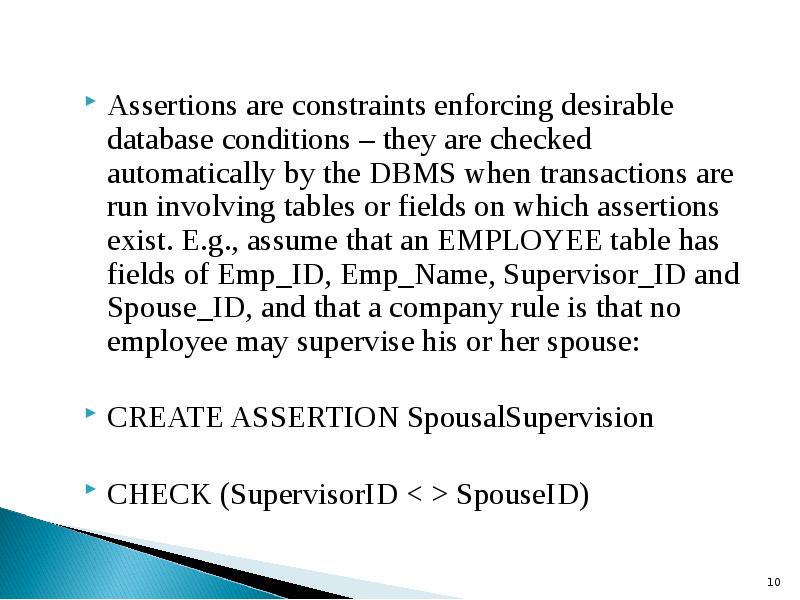
Assertions are constraints enforcing desirable database conditions – they are checked automatically by the DBMS when transactions are run involving tables or fields on which assertions exist. E.g., assume that an EMPLOYEE table has fields of Emp_ID, Emp_Name, Supervisor_ID and Spouse_ID, and that a company rule is that no employee may supervise his or her spouse: Assertions are constraints enforcing desirable database conditions – they are checked automatically by the DBMS when transactions are run involving tables or fields on which assertions exist. E.g., assume that an EMPLOYEE table has fields of Emp_ID, Emp_Name, Supervisor_ID and Spouse_ID, and that a company rule is that no employee may supervise his or her spouse: CREATE ASSERTION SpousalSupervision CHECK (SupervisorID < > SpouseID)

Слайд 11


Triggers (which include an event, a condition and an action) can be used for security purposes) Triggers (which include an event, a condition and an...
Описание слайда:
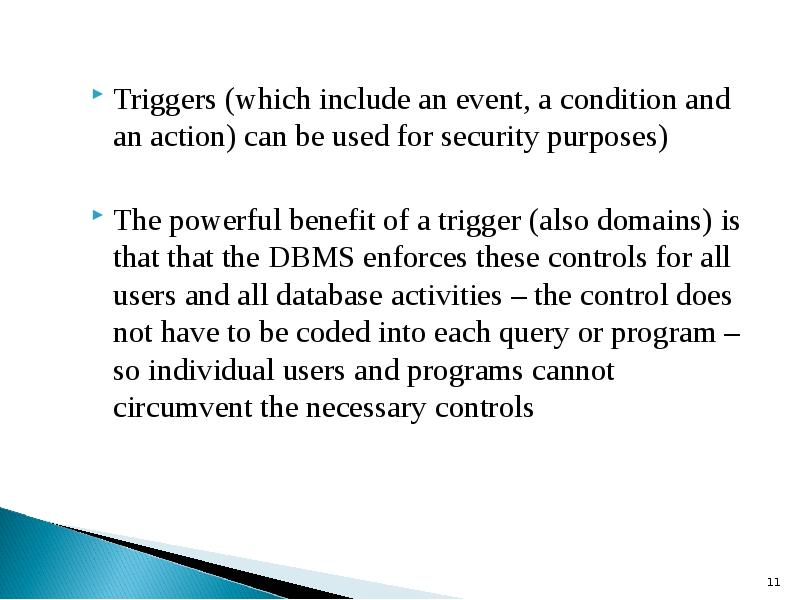
Triggers (which include an event, a condition and an action) can be used for security purposes) Triggers (which include an event, a condition and an action) can be used for security purposes) The powerful benefit of a trigger (also domains) is that that the DBMS enforces these controls for all users and all database activities – the control does not have to be coded into each query or program – so individual users and programs cannot circumvent the necessary controls

Слайд 12


Are controls incorporated in the data management system that restrict access to data and actions that people can take on data Are controls...
Описание слайда:
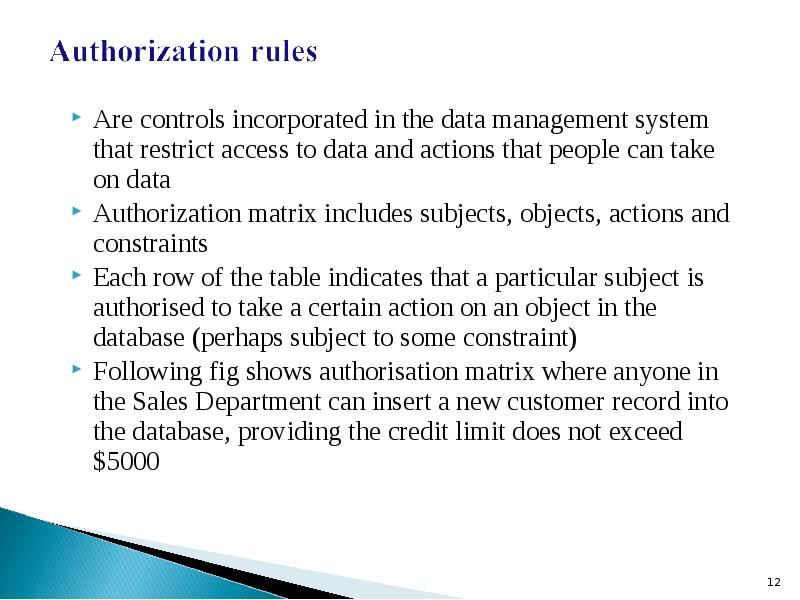
Are controls incorporated in the data management system that restrict access to data and actions that people can take on data Are controls incorporated in the data management system that restrict access to data and actions that people can take on data Authorization matrix includes subjects, objects, actions and constraints Each row of the table indicates that a particular subject is authorised to take a certain action on an object in the database (perhaps subject to some constraint) Following fig shows authorisation matrix where anyone in the Sales Department can insert a new customer record into the database, providing the credit limit does not exceed $5000

Слайд 13


Many DBMS do not implement authorisation matrices but used simplified versions – two types – authorisation tables for subjects and authorisation...
Описание слайда:
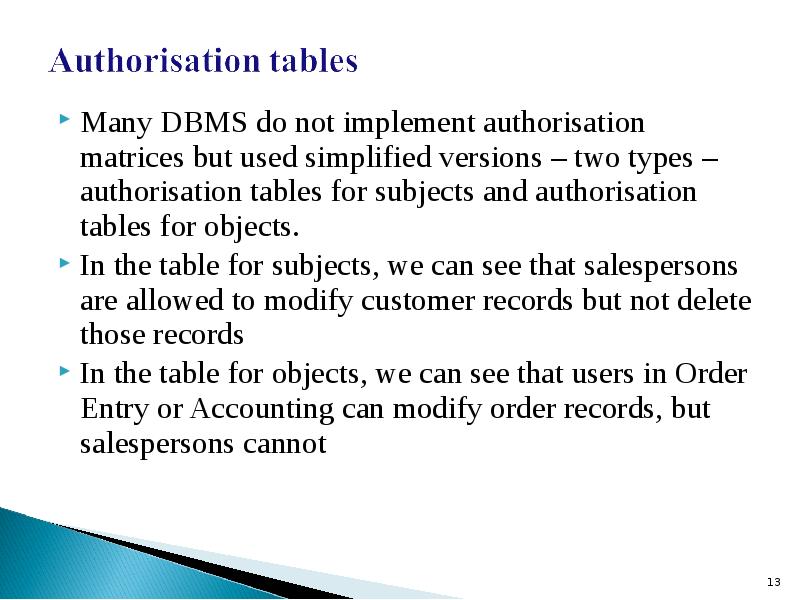
Many DBMS do not implement authorisation matrices but used simplified versions – two types – authorisation tables for subjects and authorisation tables for objects. Many DBMS do not implement authorisation matrices but used simplified versions – two types – authorisation tables for subjects and authorisation tables for objects. In the table for subjects, we can see that salespersons are allowed to modify customer records but not delete those records In the table for objects, we can see that users in Order Entry or Accounting can modify order records, but salespersons cannot

Слайд 14


Goal – obtain a positive identification of the user Goal – obtain a positive identification of the user Passwords are flawed: Users share them with...
Описание слайда:
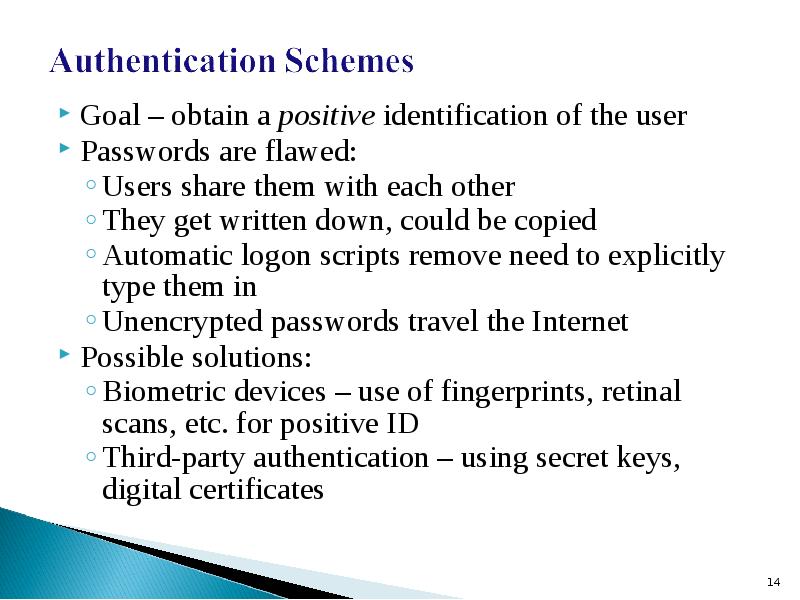
Goal – obtain a positive identification of the user Goal – obtain a positive identification of the user Passwords are flawed: Users share them with each other They get written down, could be copied Automatic logon scripts remove need to explicitly type them in Unencrypted passwords travel the Internet Possible solutions: Biometric devices – use of fingerprints, retinal scans, etc. for positive ID Third-party authentication – using secret keys, digital certificates

Слайд 15


Mechanism for restoring a database quickly and accurately after loss or damage Mechanism for restoring a database quickly and accurately after loss...
Описание слайда:
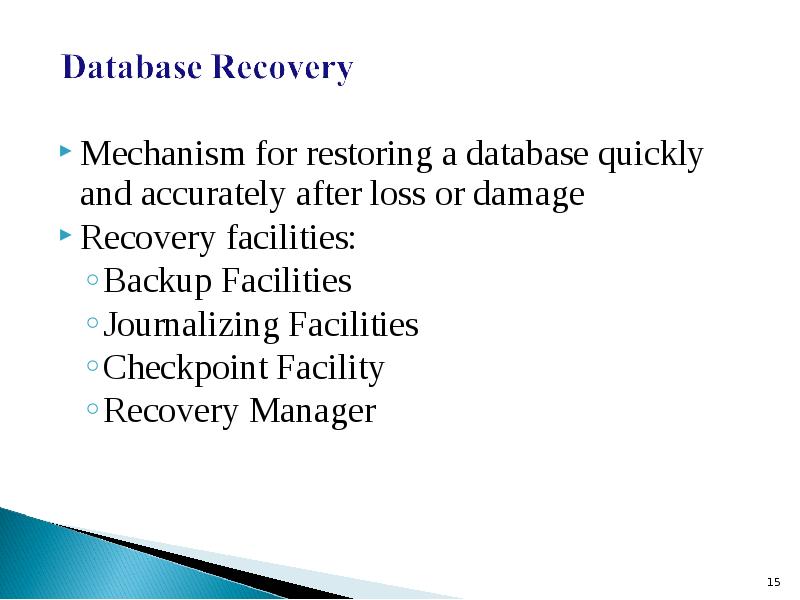
Mechanism for restoring a database quickly and accurately after loss or damage Mechanism for restoring a database quickly and accurately after loss or damage Recovery facilities: Backup Facilities Journalizing Facilities Checkpoint Facility Recovery Manager

Слайд 16


Automatic dump facility that produces backup copy of the entire database Automatic dump facility that produces backup copy of the entire database...
Описание слайда:
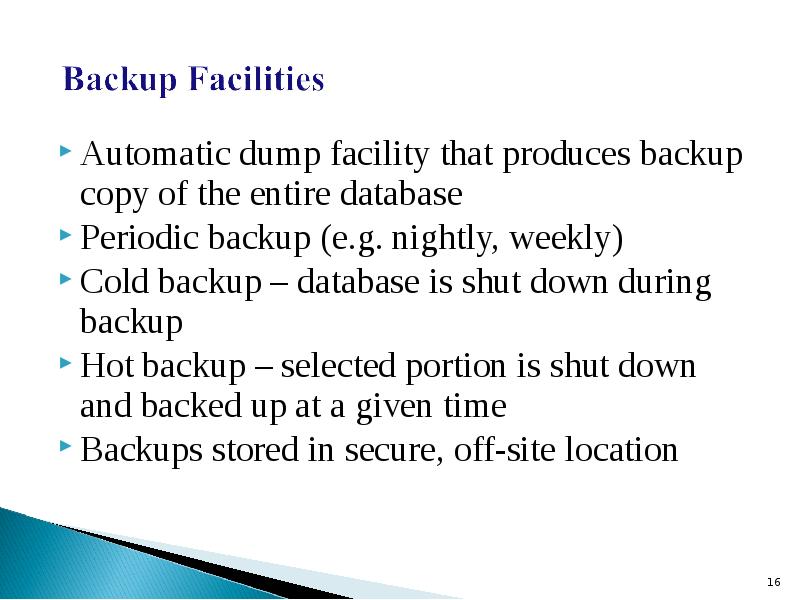
Automatic dump facility that produces backup copy of the entire database Automatic dump facility that produces backup copy of the entire database Periodic backup (e.g. nightly, weekly) Cold backup – database is shut down during backup Hot backup – selected portion is shut down and backed up at a given time Backups stored in secure, off-site location

Слайд 17


Audit trail of transactions and database updates Audit trail of transactions and database updates Transaction log – record of essential data for each...
Описание слайда:
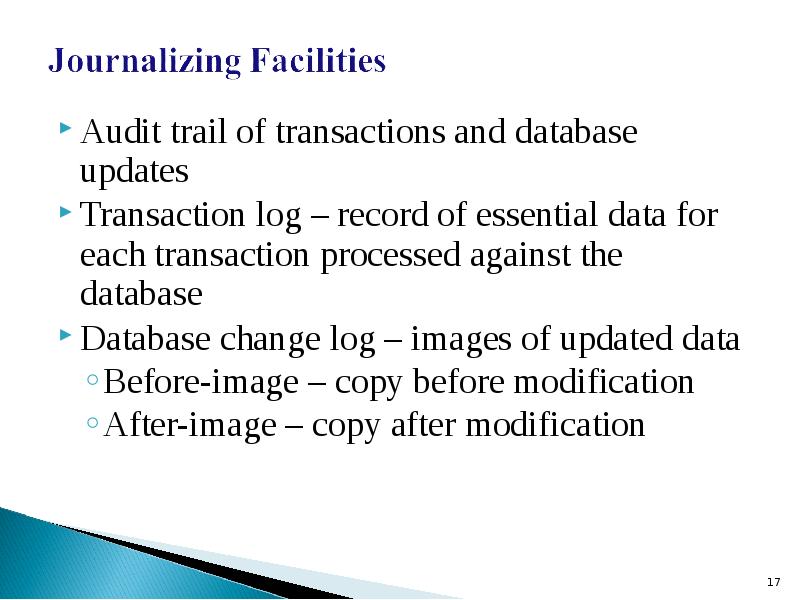
Audit trail of transactions and database updates Audit trail of transactions and database updates Transaction log – record of essential data for each transaction processed against the database Database change log – images of updated data Before-image – copy before modification After-image – copy after modification

Слайд 18


Administration. Data administration functions, слайд №18
Описание слайда:

Слайд 19


Master Master Purpose - Core system database to manage the SQL Server instance. In SQL Server the Master database is the logical repository for the...
Описание слайда:
Master Master Purpose - Core system database to manage the SQL Server instance. In SQL Server the Master database is the logical repository for the system objects residing in the sys schema. Prominent Functionality Per instance configurations Databases residing on the instance Files for each database Logins Linked\Remote servers Endpoints

Слайд 20


Resource Resource Purpose - The Resource database is responsible for physically storing all of the SQL Server 2005 system objects. This database has...
Описание слайда:
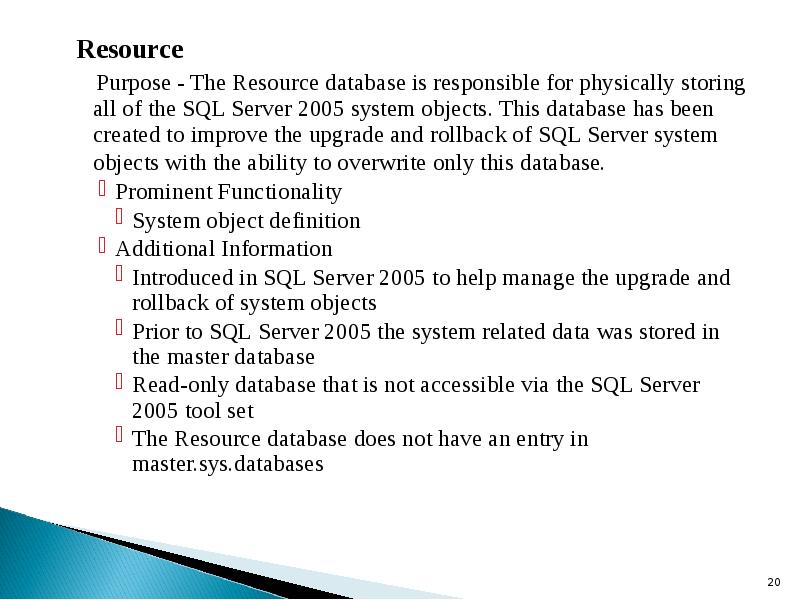
Resource Resource Purpose - The Resource database is responsible for physically storing all of the SQL Server 2005 system objects. This database has been created to improve the upgrade and rollback of SQL Server system objects with the ability to overwrite only this database. Prominent Functionality System object definition Additional Information Introduced in SQL Server 2005 to help manage the upgrade and rollback of system objects Prior to SQL Server 2005 the system related data was stored in the master database Read-only database that is not accessible via the SQL Server 2005 tool set The Resource database does not have an entry in master.sys.databases

Слайд 21


TempDB TempDB Purpose - Temporary database to store temporary tables (#temptable or ##temptale), table variables, cursors, work tables, row...
Описание слайда:
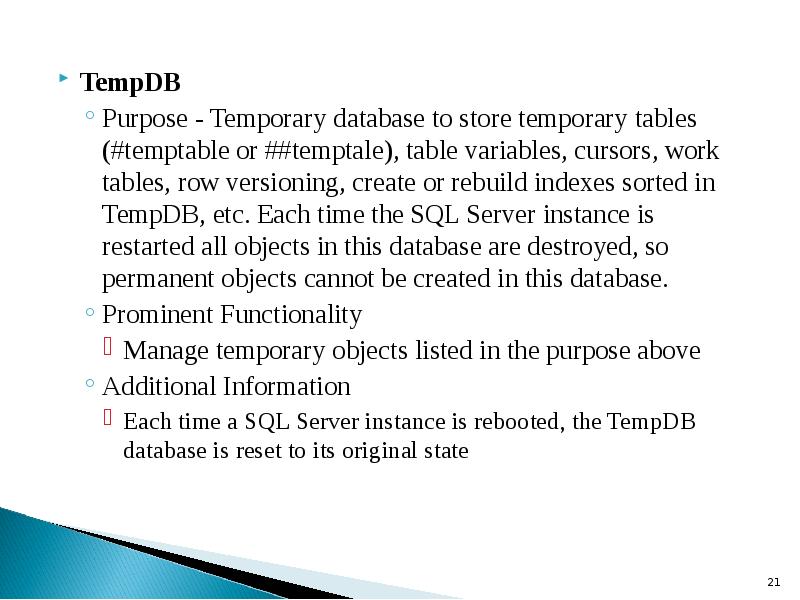
TempDB TempDB Purpose - Temporary database to store temporary tables (#temptable or ##temptale), table variables, cursors, work tables, row versioning, create or rebuild indexes sorted in TempDB, etc. Each time the SQL Server instance is restarted all objects in this database are destroyed, so permanent objects cannot be created in this database. Prominent Functionality Manage temporary objects listed in the purpose above Additional Information Each time a SQL Server instance is rebooted, the TempDB database is reset to its original state

Слайд 22


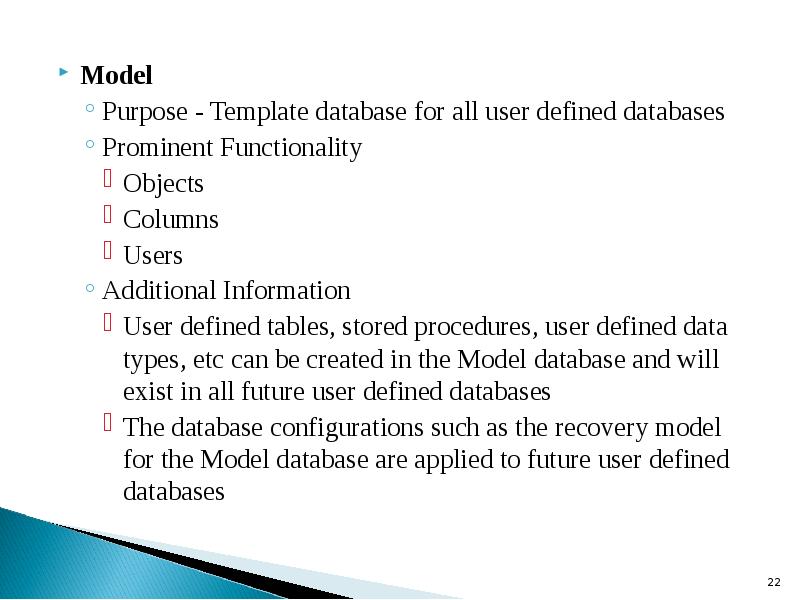
Model Model Purpose - Template database for all user defined databases Prominent Functionality Objects Columns Users Additional Information User...
Описание слайда:
Model Model Purpose - Template database for all user defined databases Prominent Functionality Objects Columns Users Additional Information User defined tables, stored procedures, user defined data types, etc can be created in the Model database and will exist in all future user defined databases The database configurations such as the recovery model for the Model database are applied to future user defined databases

Слайд 23


MSDB MSDB Purpose - Primary database to manage the SQL Server Agent configurations Prominent Functionality SQL Server Agent Jobs, Operators and...
Описание слайда:
MSDB MSDB Purpose - Primary database to manage the SQL Server Agent configurations Prominent Functionality SQL Server Agent Jobs, Operators and Alerts SSIS Package storage in SQL Server 2005 Additional Information Provides some of the configurations for the SQL Server Agent service For the SQL Server 2005 Express edition installations, even though the SQL Server Agent service does not exist, the instance still has the MSDB database Missing SQL Server Agent History MSSQLTips Category – SQL Server Agent

Слайд 24


Distribution Distribution Purpose - Primary data to support SQL Server replication Prominent Functionality Database responsible for the replication...
Описание слайда:
Distribution Distribution Purpose - Primary data to support SQL Server replication Prominent Functionality Database responsible for the replication meta data Supports the data for transaction replication between the publisher and subscriber(s) Additional Information MSSQLTips Category - Replication

Слайд 25


ReportServer ReportServer Purpose - Primary database for Reporting Services to store the meta data and object definitions Prominent Functionality...
Описание слайда:
ReportServer ReportServer Purpose - Primary database for Reporting Services to store the meta data and object definitions Prominent Functionality Reports security Job schedules and running jobs Report notifications Report execution history Additional Information MSSQLTips Category – Reporting Services

Слайд 26


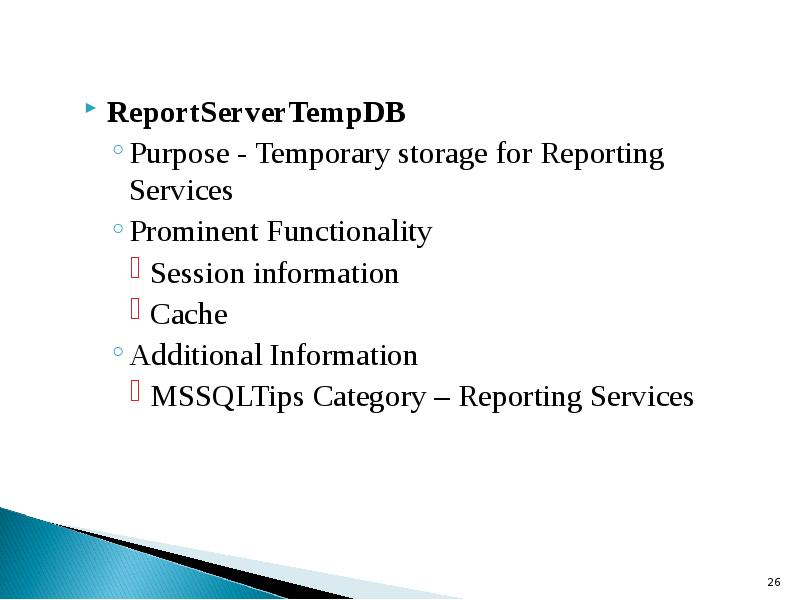
ReportServerTempDB ReportServerTempDB Purpose - Temporary storage for Reporting Services Prominent Functionality Session information Cache Additional...
Описание слайда:
ReportServerTempDB ReportServerTempDB Purpose - Temporary storage for Reporting Services Prominent Functionality Session information Cache Additional Information MSSQLTips Category – Reporting Services

Слайд 27


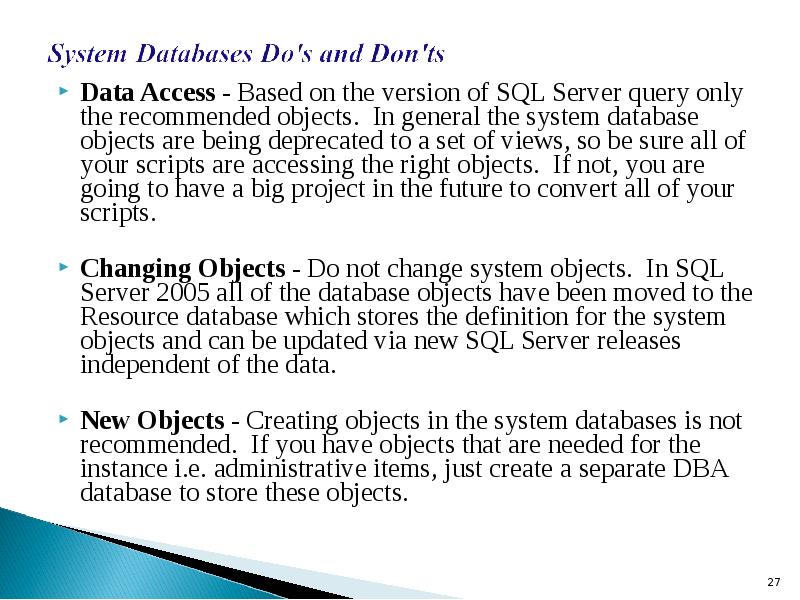
Data Access - Based on the version of SQL Server query only the recommended objects. In general the system database objects are being deprecated to a...
Описание слайда:
Data Access - Based on the version of SQL Server query only the recommended objects. In general the system database objects are being deprecated to a set of views, so be sure all of your scripts are accessing the right objects. If not, you are going to have a big project in the future to convert all of your scripts. Data Access - Based on the version of SQL Server query only the recommended objects. In general the system database objects are being deprecated to a set of views, so be sure all of your scripts are accessing the right objects. If not, you are going to have a big project in the future to convert all of your scripts. Changing Objects - Do not change system objects. In SQL Server 2005 all of the database objects have been moved to the Resource database which stores the definition for the system objects and can be updated via new SQL Server releases independent of the data. New Objects - Creating objects in the system databases is not recommended. If you have objects that are needed for the instance i.e. administrative items, just create a separate DBA database to store these objects.

Слайд 28


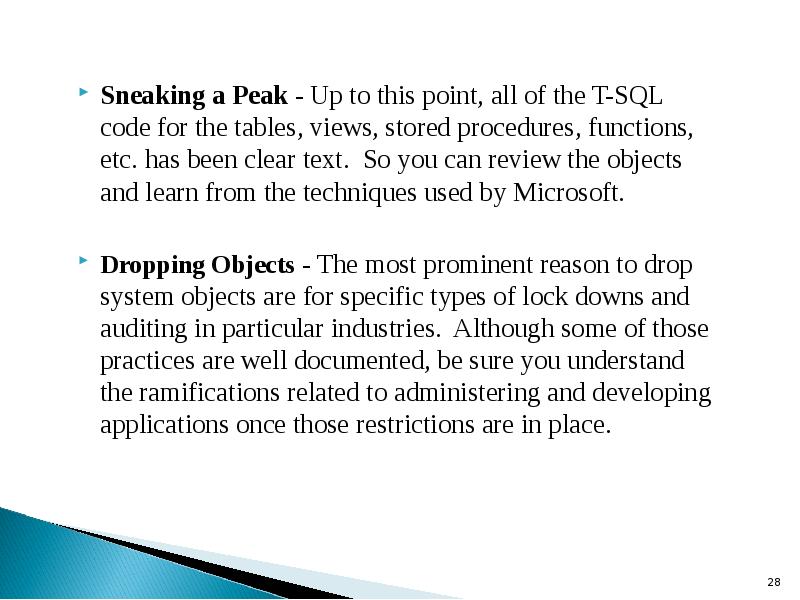
Sneaking a Peak - Up to this point, all of the T-SQL code for the tables, views, stored procedures, functions, etc. has been clear text. So you can...
Описание слайда:
Sneaking a Peak - Up to this point, all of the T-SQL code for the tables, views, stored procedures, functions, etc. has been clear text. So you can review the objects and learn from the techniques used by Microsoft. Sneaking a Peak - Up to this point, all of the T-SQL code for the tables, views, stored procedures, functions, etc. has been clear text. So you can review the objects and learn from the techniques used by Microsoft. Dropping Objects - The most prominent reason to drop system objects are for specific types of lock downs and auditing in particular industries. Although some of those practices are well documented, be sure you understand the ramifications related to administering and developing applications once those restrictions are in place.

Слайд 29


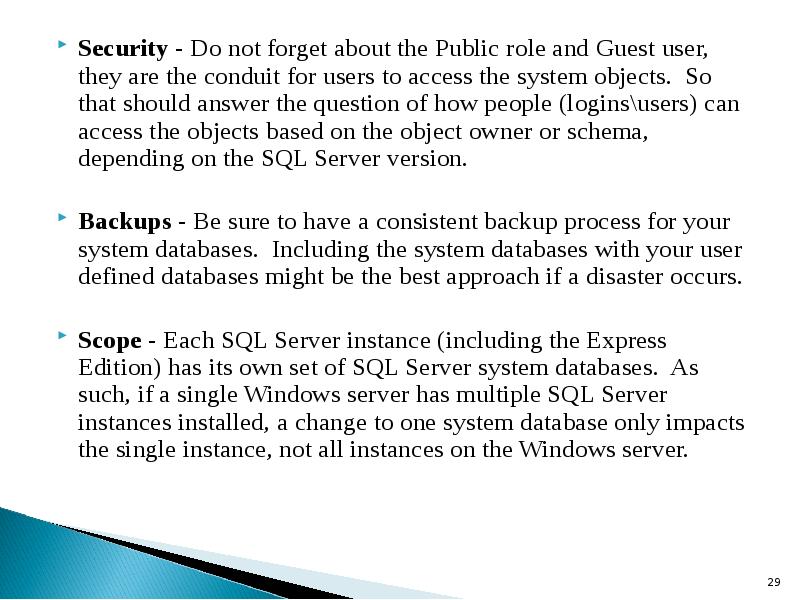
Security - Do not forget about the Public role and Guest user, they are the conduit for users to access the system objects. So that should answer the...
Описание слайда:
Security - Do not forget about the Public role and Guest user, they are the conduit for users to access the system objects. So that should answer the question of how people (logins\users) can access the objects based on the object owner or schema, depending on the SQL Server version. Security - Do not forget about the Public role and Guest user, they are the conduit for users to access the system objects. So that should answer the question of how people (logins\users) can access the objects based on the object owner or schema, depending on the SQL Server version. Backups - Be sure to have a consistent backup process for your system databases. Including the system databases with your user defined databases might be the best approach if a disaster occurs. Scope - Each SQL Server instance (including the Express Edition) has its own set of SQL Server system databases. As such, if a single Windows server has multiple SQL Server instances installed, a change to one system database only impacts the single instance, not all instances on the Windows server.


Похожие презентации
Mypresentation.ru
Загрузить презентацию