🗊 Презентация INFA

Категория: Образование
Нажмите для полного просмотра!
INFA, слайд №1 INFA, слайд №2 INFA, слайд №3 INFA, слайд №4 INFA, слайд №5 INFA, слайд №6 INFA, слайд №7 INFA, слайд №8 INFA, слайд №9 INFA, слайд №10

Вы можете ознакомиться и скачать презентацию на тему INFA. Доклад-сообщение содержит 10 слайдов. Презентации для любого класса можно скачать бесплатно. Если материал и наш сайт презентаций Mypresentation Вам понравились – поделитесь им с друзьями с помощью социальных кнопок и добавьте в закладки в своем браузере.

Слайды и текст этой презентации


Слайд 1


Windows and Ubuntu
Описание слайда:
Windows and Ubuntu

Слайд 2


WHAT IS IT? At first we must say some information about Windows and Ubuntu.
Описание слайда:
WHAT IS IT? At first we must say some information about Windows and Ubuntu.

Слайд 3


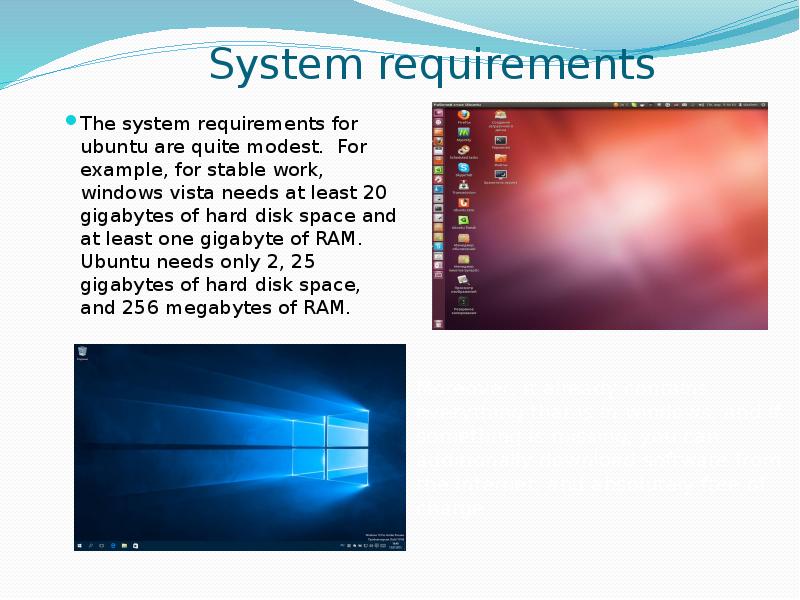
System requirements The system requirements for ubuntu are quite modest. For example, for stable work, windows vista needs at least 20 gigabytes of...
Описание слайда:

System requirements The system requirements for ubuntu are quite modest. For example, for stable work, windows vista needs at least 20 gigabytes of hard disk space and at least one gigabyte of RAM. Ubuntu needs only 2, 25 gigabytes of hard disk space, and 256 megabytes of RAM.

Слайд 4


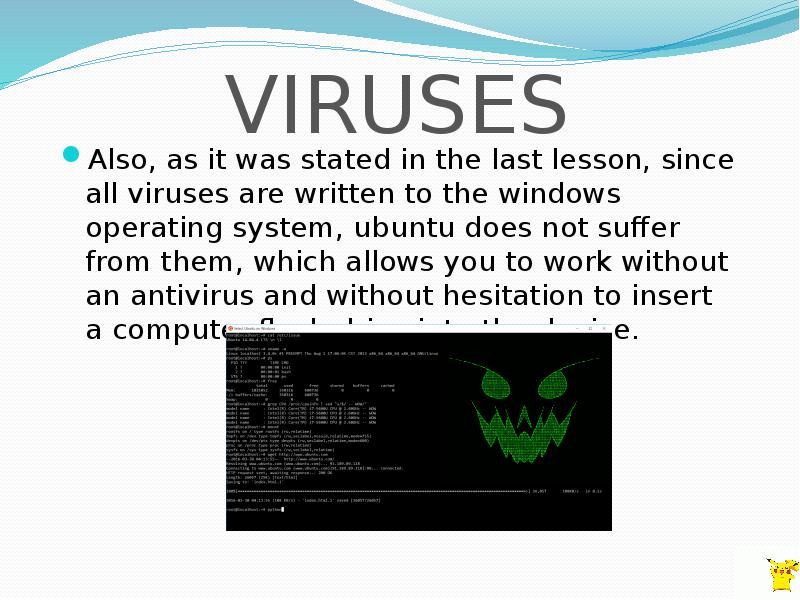
VIRUSES Also, as it was stated in the last lesson, since all viruses are written to the windows operating system, ubuntu does not suffer from them,...
Описание слайда:
VIRUSES Also, as it was stated in the last lesson, since all viruses are written to the windows operating system, ubuntu does not suffer from them, which allows you to work without an antivirus and without hesitation to insert a computer flash drive into the device.

Слайд 5


INSTALLATION AND CUSTUMIZATION Installing Ubuntu is nothing complicated. It is very similar to Windows. You will see a beautiful installer, in which...
Описание слайда:
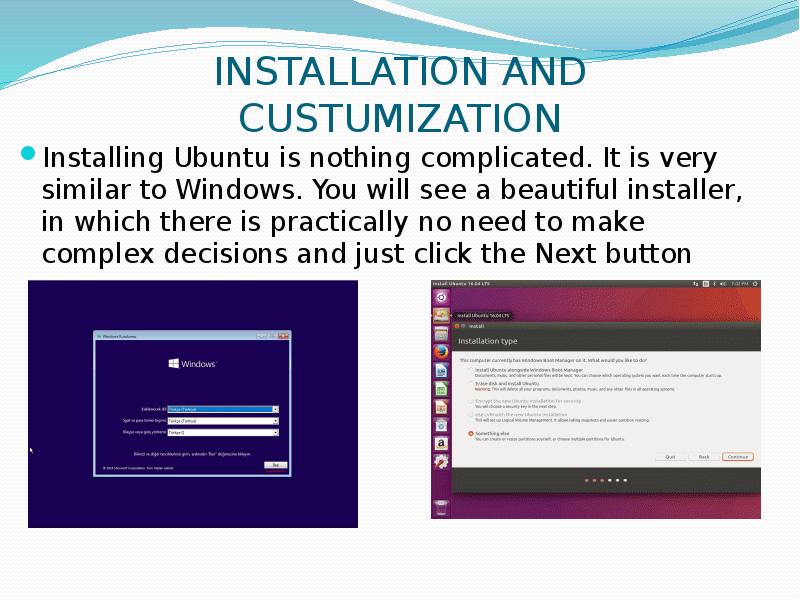
INSTALLATION AND CUSTUMIZATION Installing Ubuntu is nothing complicated. It is very similar to Windows. You will see a beautiful installer, in which there is practically no need to make complex decisions and just click the Next button

Слайд 6


STABILITY Stability - the system is often used on highly loaded servers. The OS does not require frequent computer reboots, even in cases of updates,...
Описание слайда:
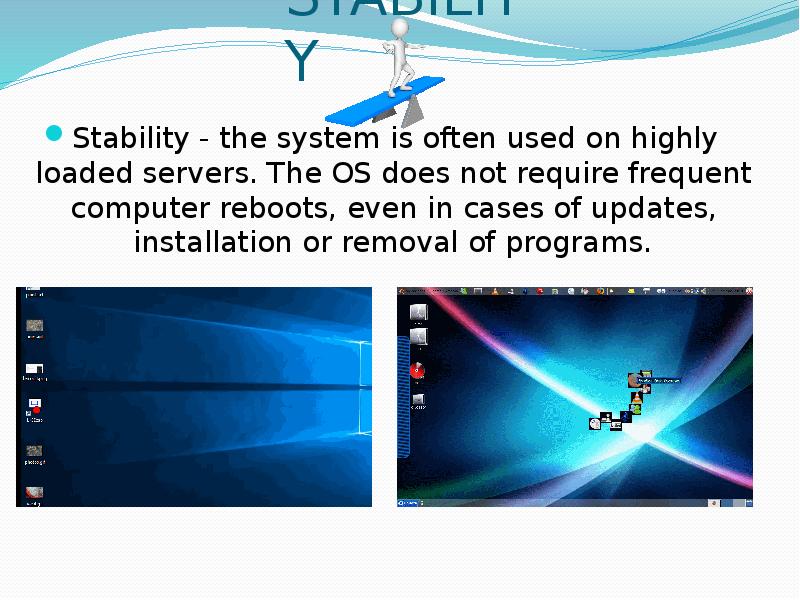
STABILITY Stability - the system is often used on highly loaded servers. The OS does not require frequent computer reboots, even in cases of updates, installation or removal of programs.

Слайд 7


SOFTWARE SUPPORT Unlike Windows, for Ubuntu, a drive is a physical drive with all partitions. You have hard drives.
Описание слайда:
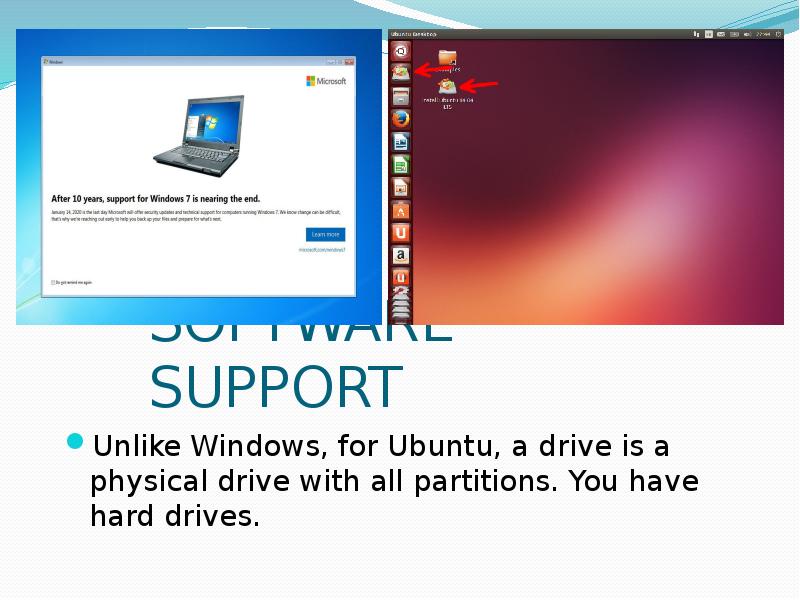
SOFTWARE SUPPORT Unlike Windows, for Ubuntu, a drive is a physical drive with all partitions. You have hard drives.

Слайд 8


USABILITY OF UBUNTU Great option for beginners - all settings and settings are performed at an intuitive level. Through a specialized Synaptic...
Описание слайда:
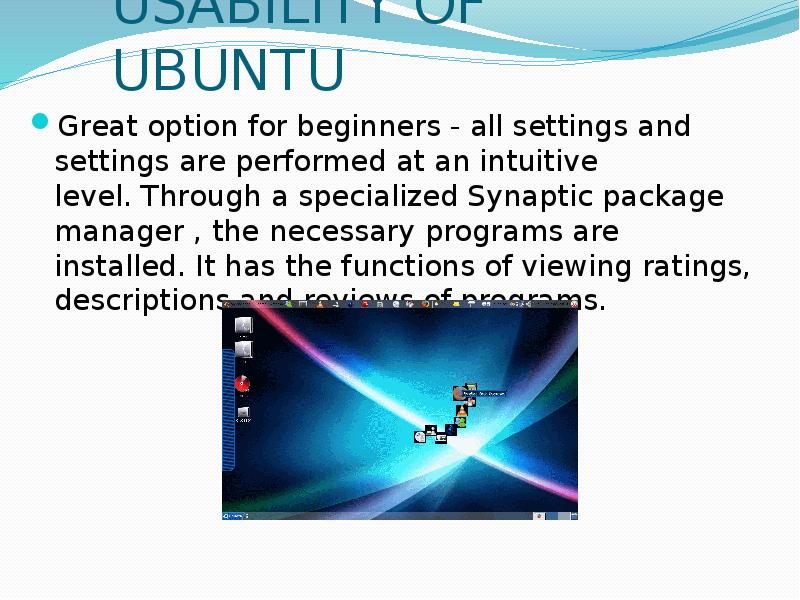
USABILITY OF UBUNTU Great option for beginners - all settings and settings are performed at an intuitive level. Through a specialized Synaptic package manager , the necessary programs are installed. It has the functions of viewing ratings, descriptions and reviews of programs.

Слайд 9


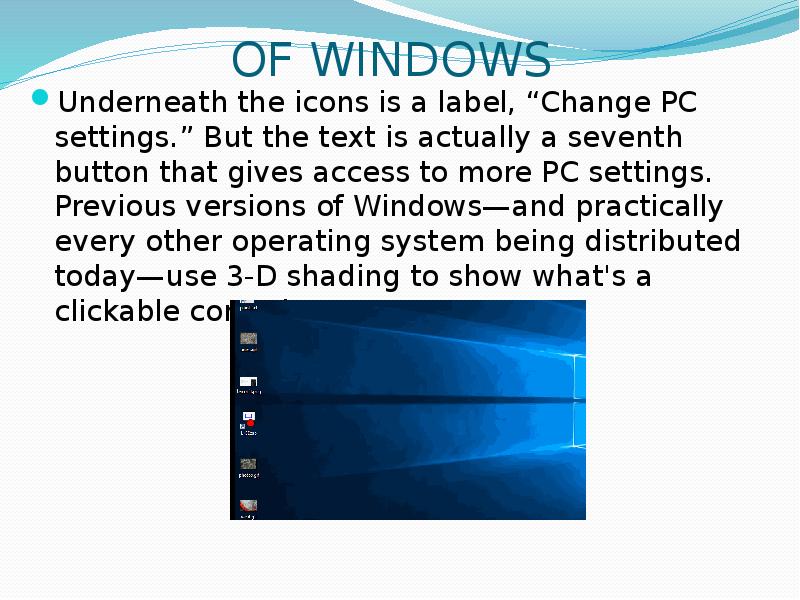
OF WINDOWS Underneath the icons is a label, “Change PC settings.” But the text is actually a seventh button that gives access to more PC settings....
Описание слайда:
OF WINDOWS Underneath the icons is a label, “Change PC settings.” But the text is actually a seventh button that gives access to more PC settings. Previous versions of Windows—and practically every other operating system being distributed today—use 3-D shading to show what's a clickable control

Слайд 10


Спасибо за внимание!
Описание слайда:
Спасибо за внимание!


Теги INFA
Похожие презентации
Mypresentation.ru
Загрузить презентацию